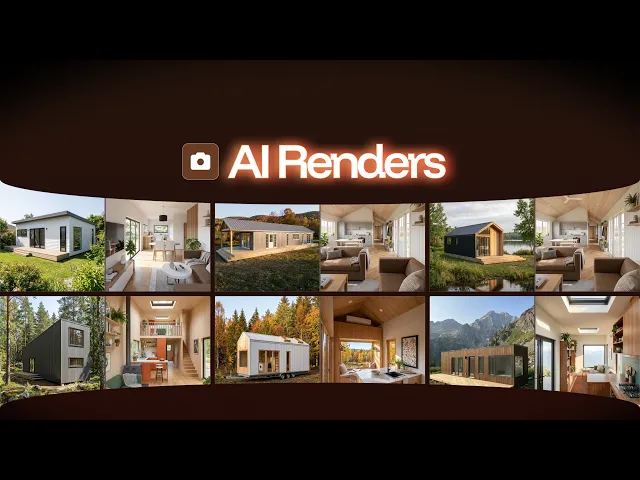
AI Render Module
The Only Instant AI 3D Render Tool For
ADU & Granny Flats
Create sales & marketing-ready AI Renders in minutes instead of weeks or hiring a freelancer. Easily customize your renders with a few clicks and sign clients with confidence when they see your designs
100+ Businesses use Tiny Easy in their Sales, Design & Proposal Workflow















Additional Dwelling Units

Granny Flats

Cabins / Sleepouts
Prefab & Modular Homes

Tiny Homes on Wheels
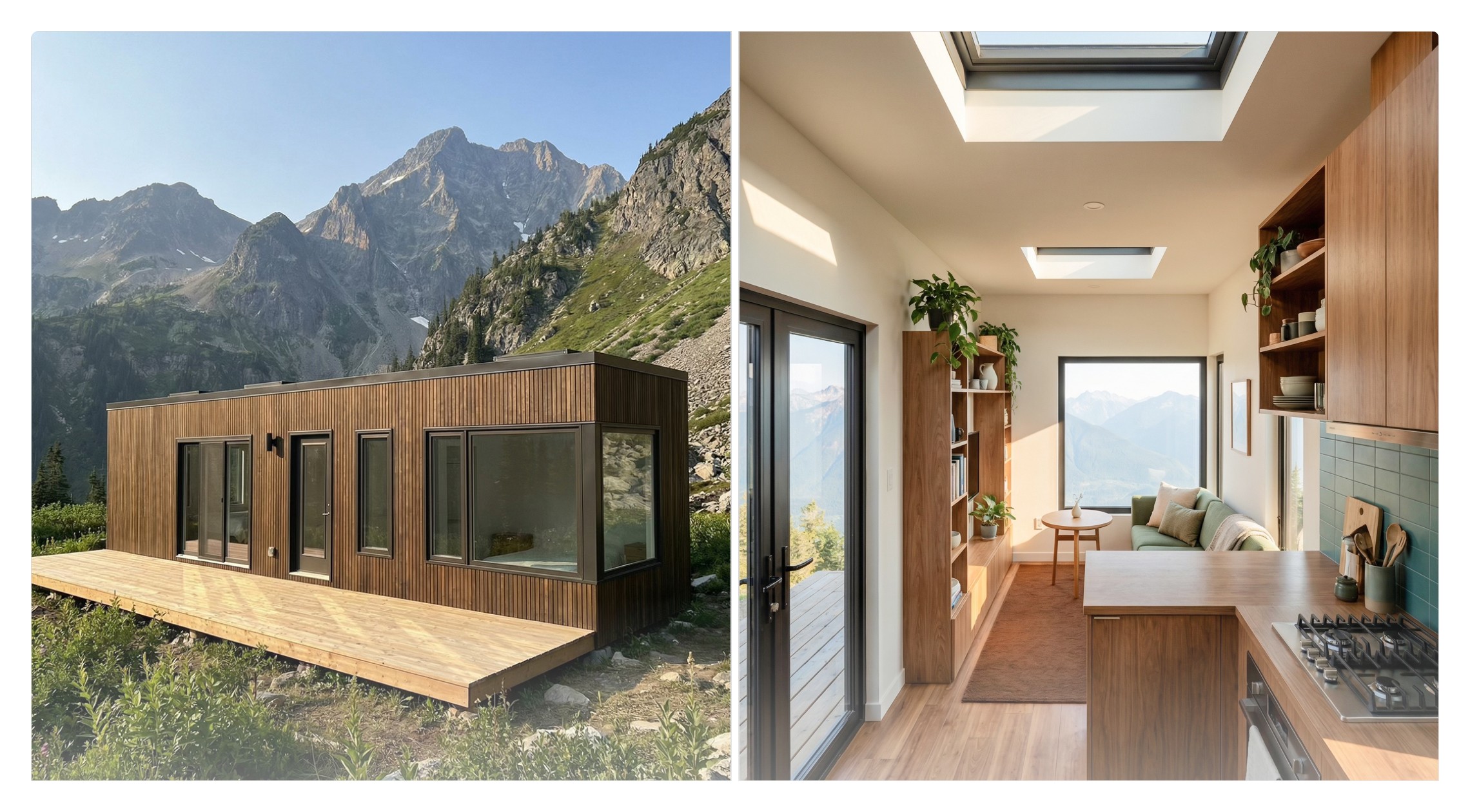
Container Homes
Why AI Renders?
Purpose-built for your small home sales workflow.
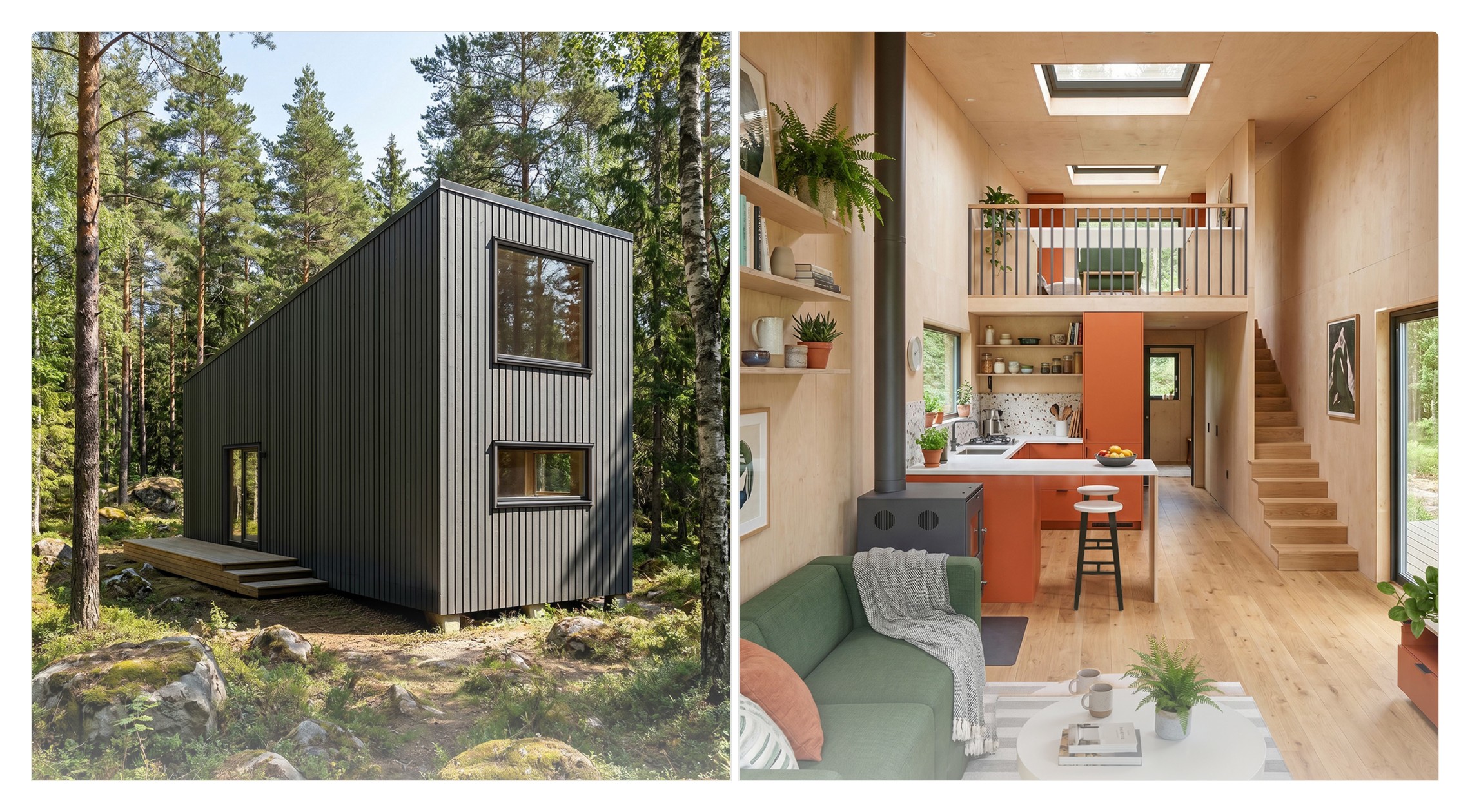
Our AI models are trained specifically to render homes, producing high-resolution 2K–4K photorealistic images with more accurate results than traditional AI tools. No AI watermarks.
Create AI Renders yourself. No freelancers. No waiting.
Skip the outsourcing and long turnaround times. Fully integrated with your 3D Designer & 3D Configurator software — Customize time of day, site backgrounds, season, and weather in a few clicks.
Help clients see the vision and say "yes" faster.
Show clients exactly what their future home will look like. Realistic visuals help them connect emotionally (fall in love with then design), visually understand design decisions instantly, and make decisions faster & easier.
Showcase your designs with confidence and professionalism.
Elevate your designs with consistent, high-quality imagery that makes marketing on social media, your website, client proposals, your sales & custom design process stand out.
100+ Businesses use Tiny Easy in their Sales, Design & Proposal Workflow
How it works
Step 01
Open AI Render Mode
AI Renders integrated into your 3D Configurator & 3D Designer workflow.
For 3D Configurator, find a customer's inquiry in your Configurator Inbox. Then click the "Create Renders" button.
For 3D Designer, when working on a custom design, click on AI Renders to switch to AI Render mode.
Don't have a 3D Configurator or 3D Designer Account?


Step 02
Once in Render Mode, position your camera to capture the perfect angle of your design.
Tip: Choose your Aspect Ratio before framing your shot.
Tip: To ensure the best result, make sure the whole design is within the selected frame.

Step 03
Customize your 3D renders for any use-case without complex software set-up.
Choose your Aspect Ratio (4:5, 5:4, 9:16, 16:9, 1:1)
Select your Season, Environment, Time of Day, and Weather to tailor it to your project.

Step 04
Our AI engine instantly processes your settings and delivers marketing ready images.
Your finished renders appear straight in your Projects & AI Renders library in your Dashboard.
Instant download! No editing required, no watermarks!
100+ Businesses use Tiny Easy in their Sales, Design & Proposal Workflow
AI Renders For Marketing | Use Cases
AI Renders that power every step of your sales and marketing.
From first impressions to final approvals, AI Renders help you present your designs clearly, impress clients, and close faster.
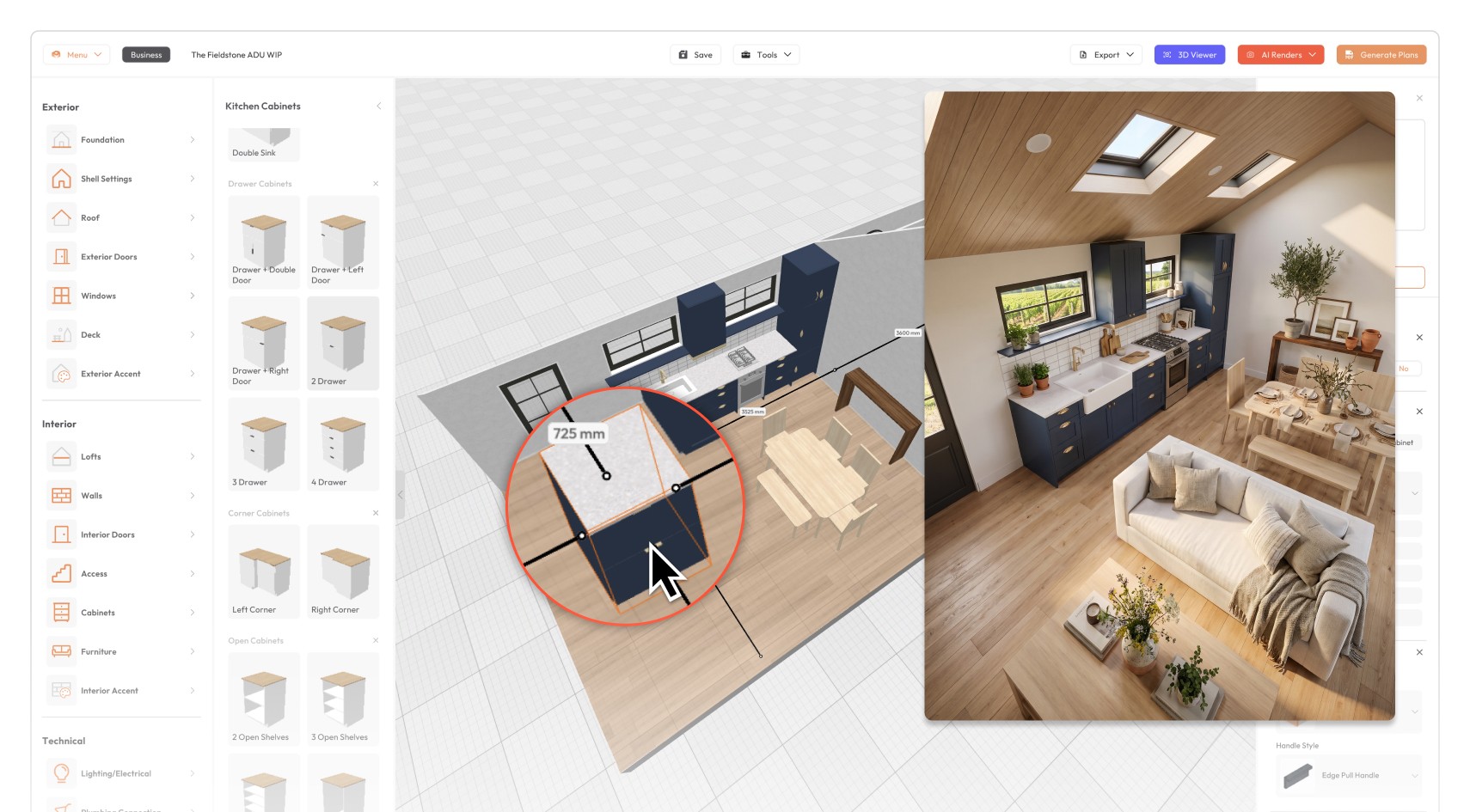


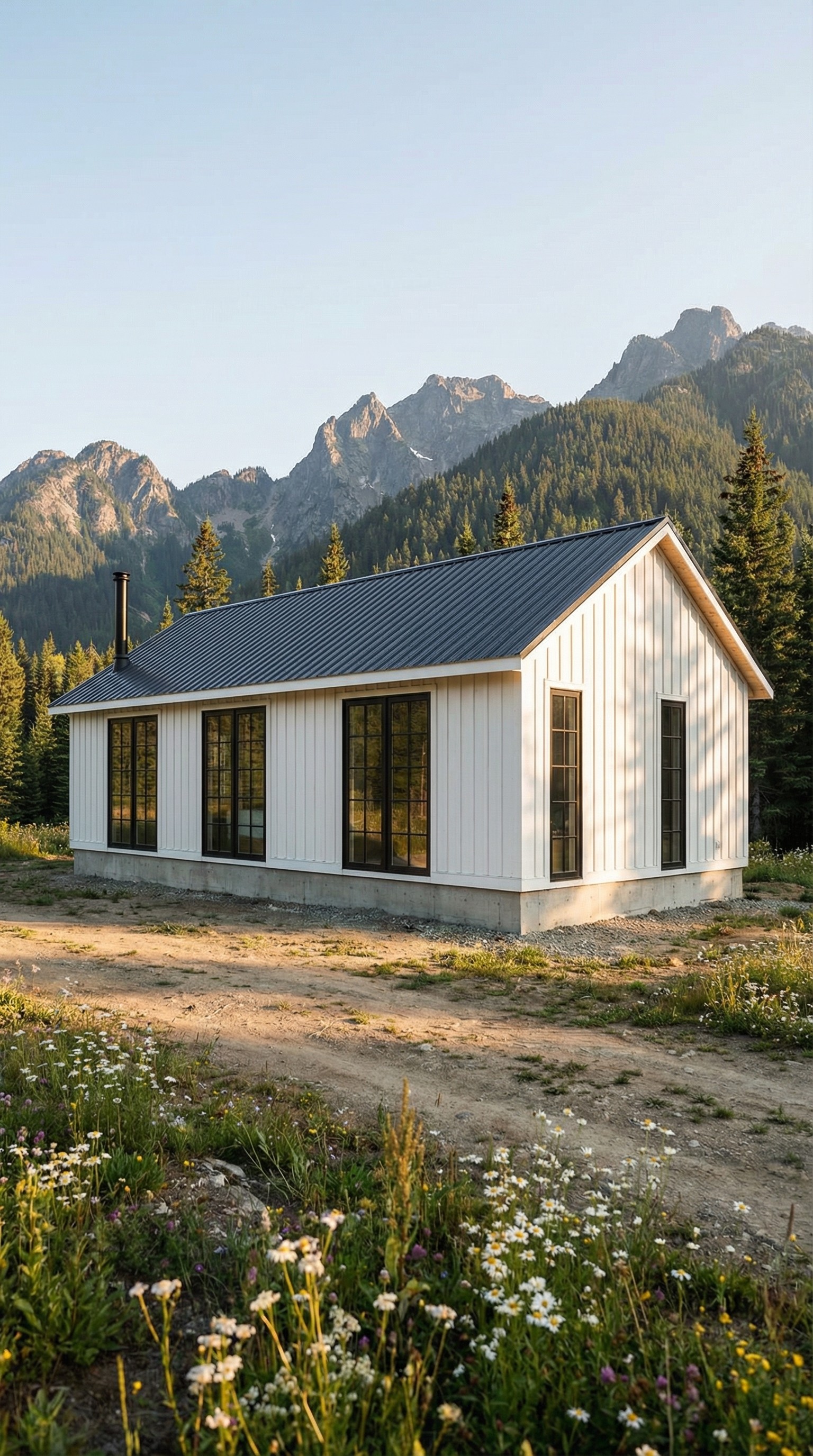
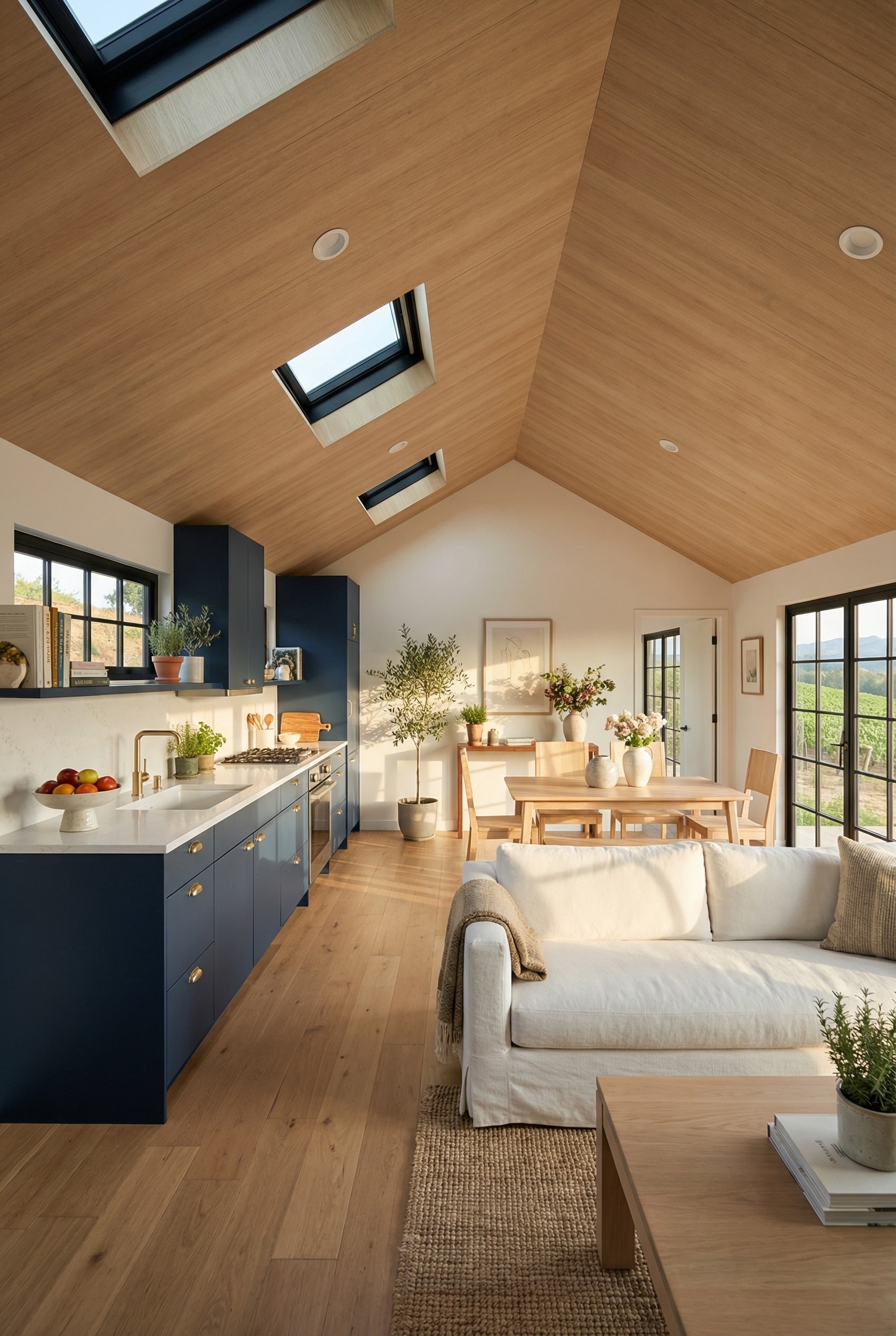

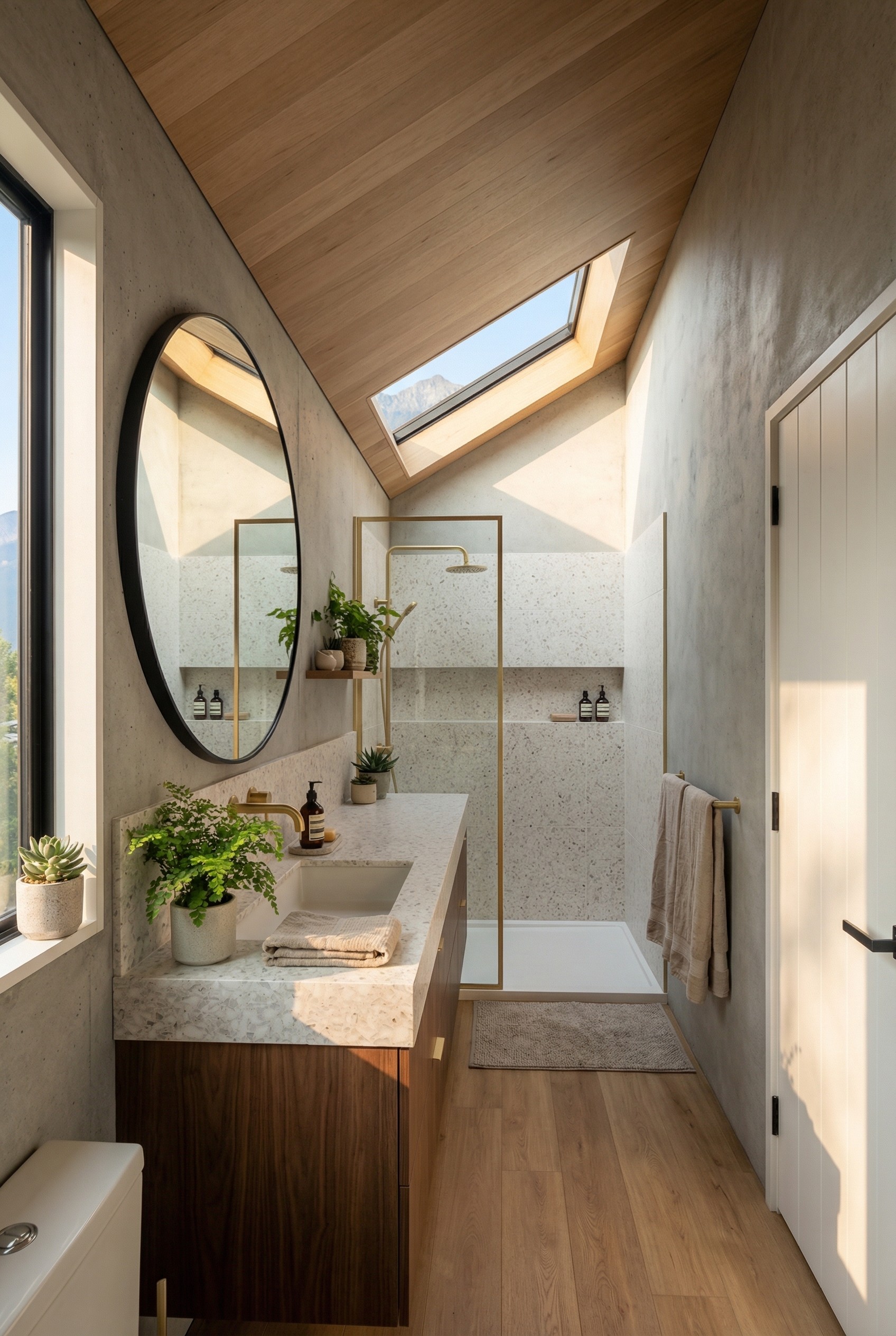


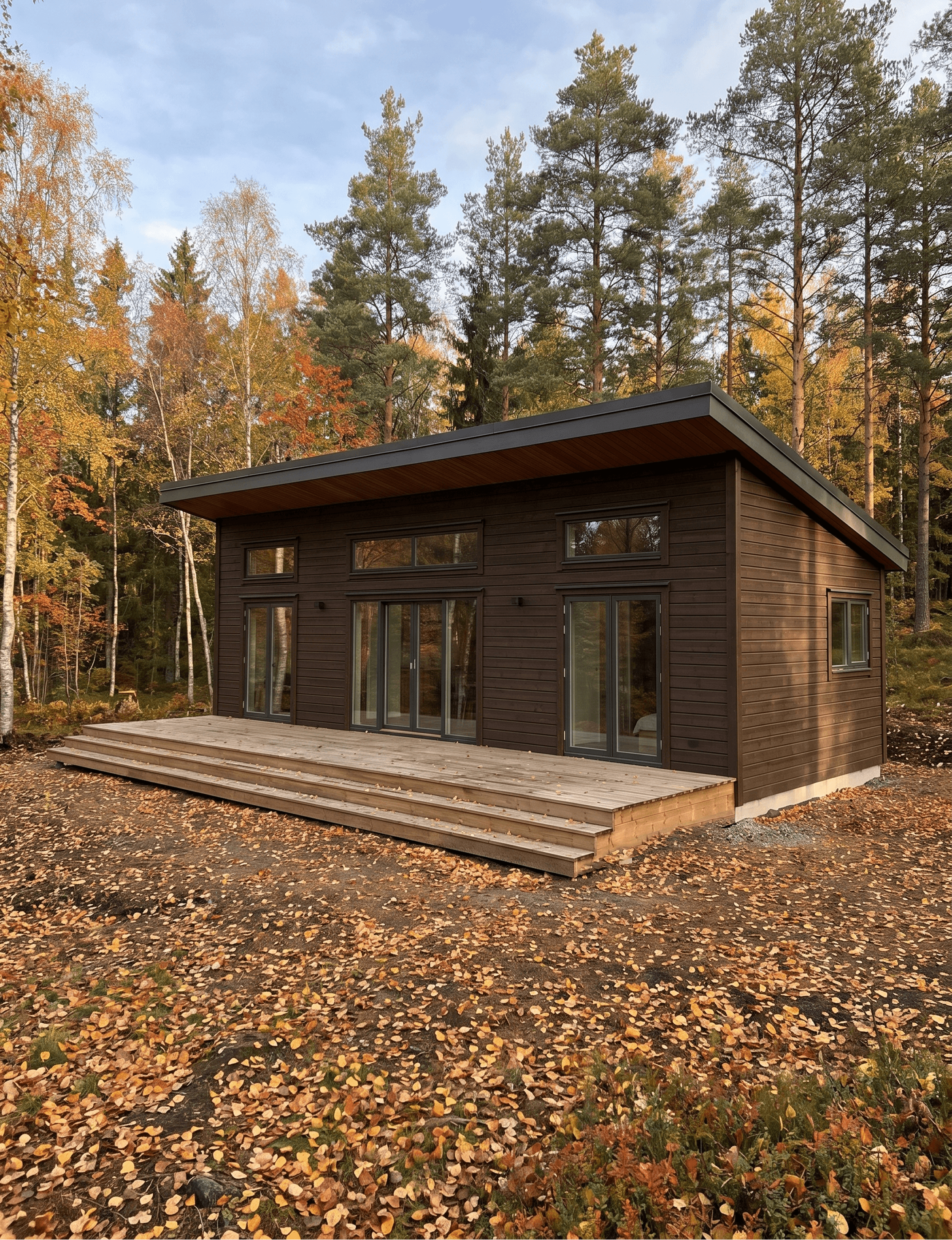
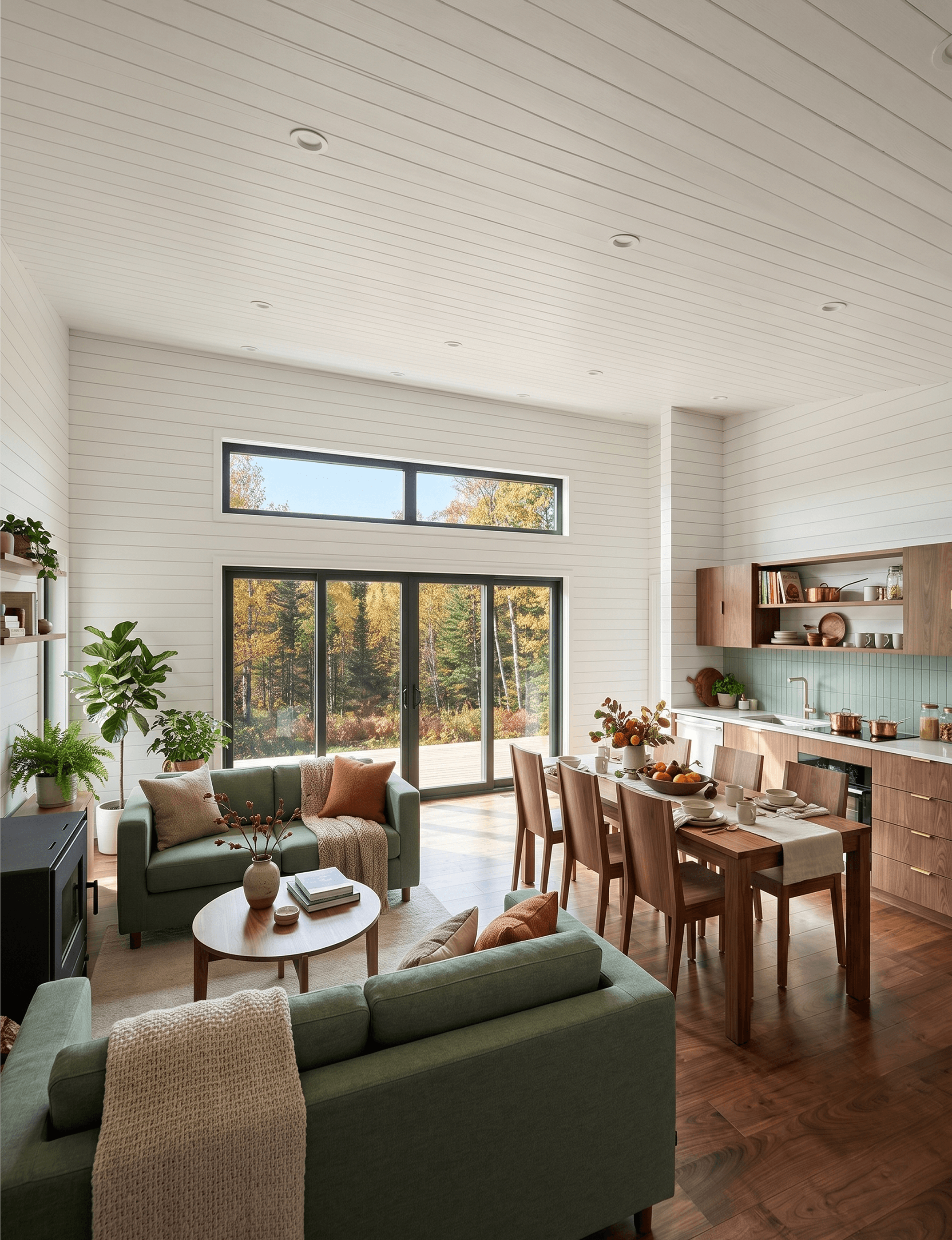


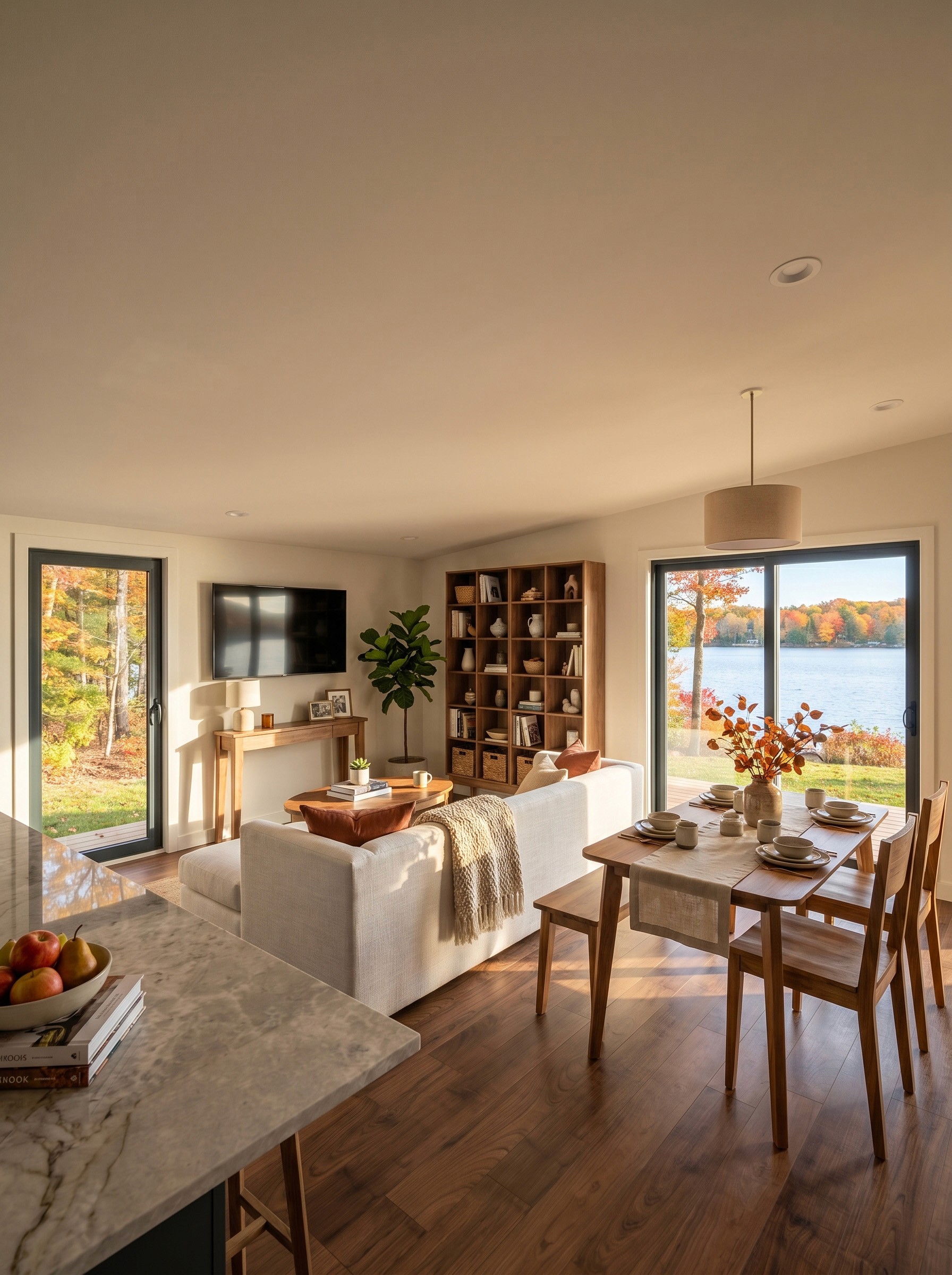
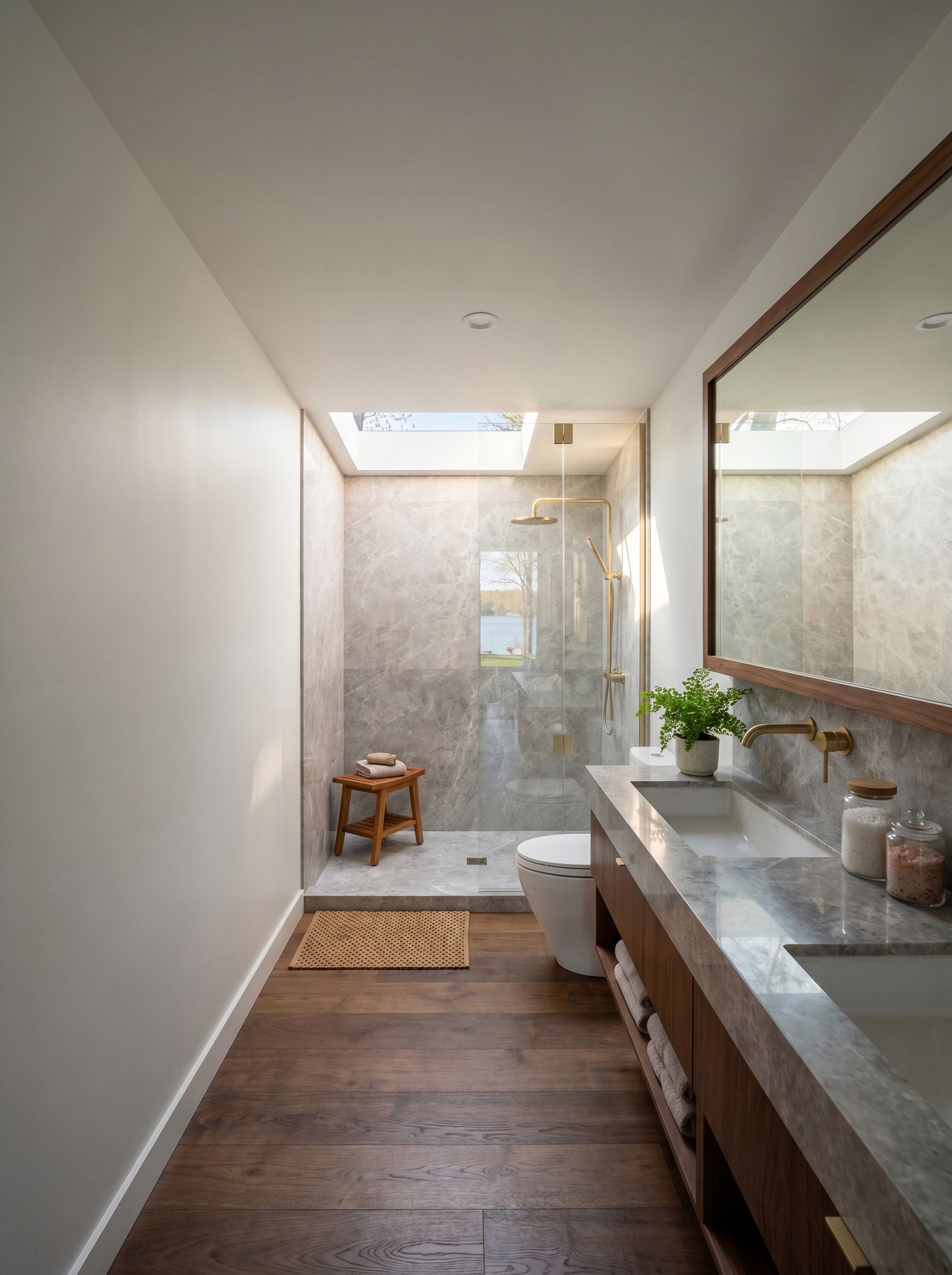

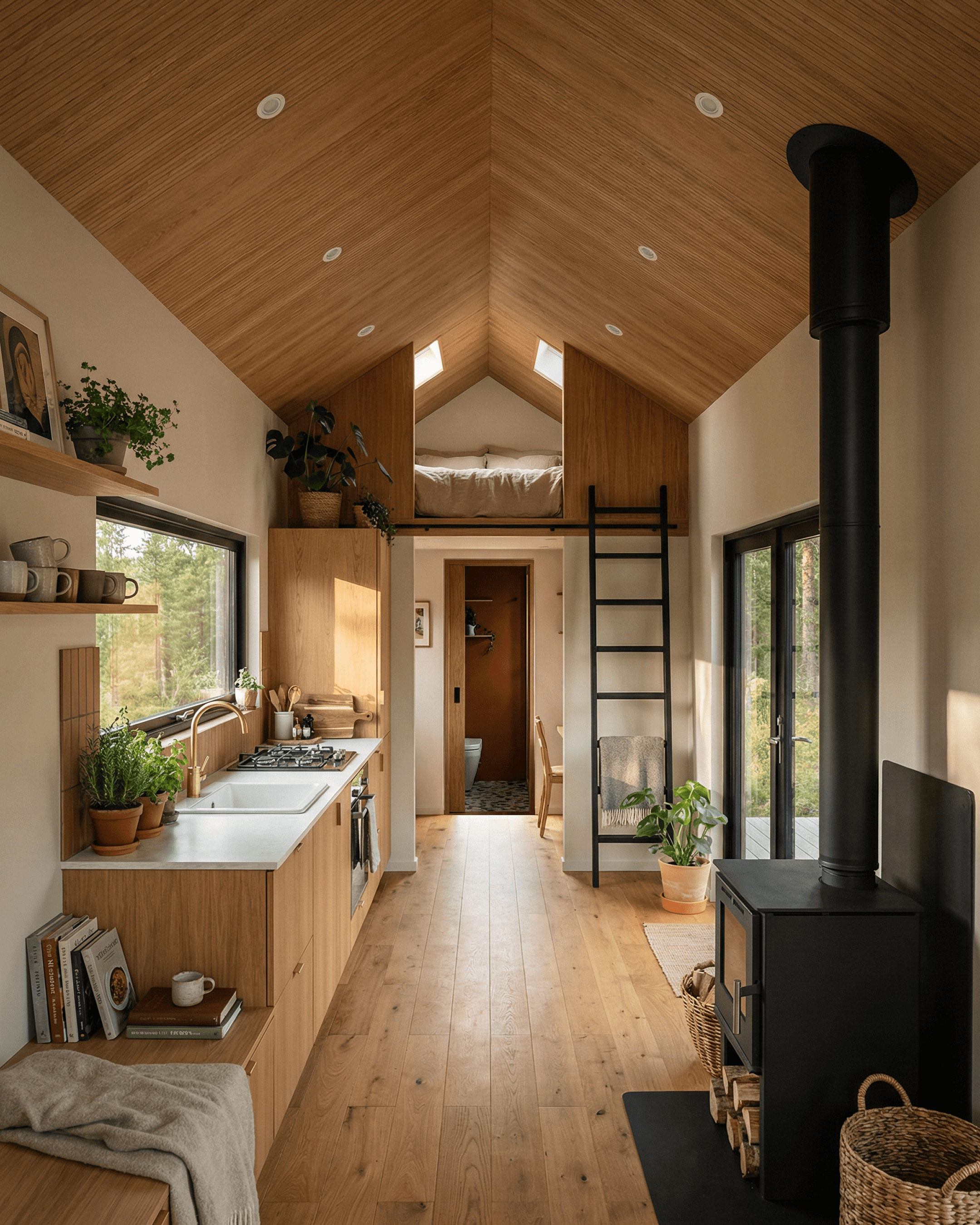
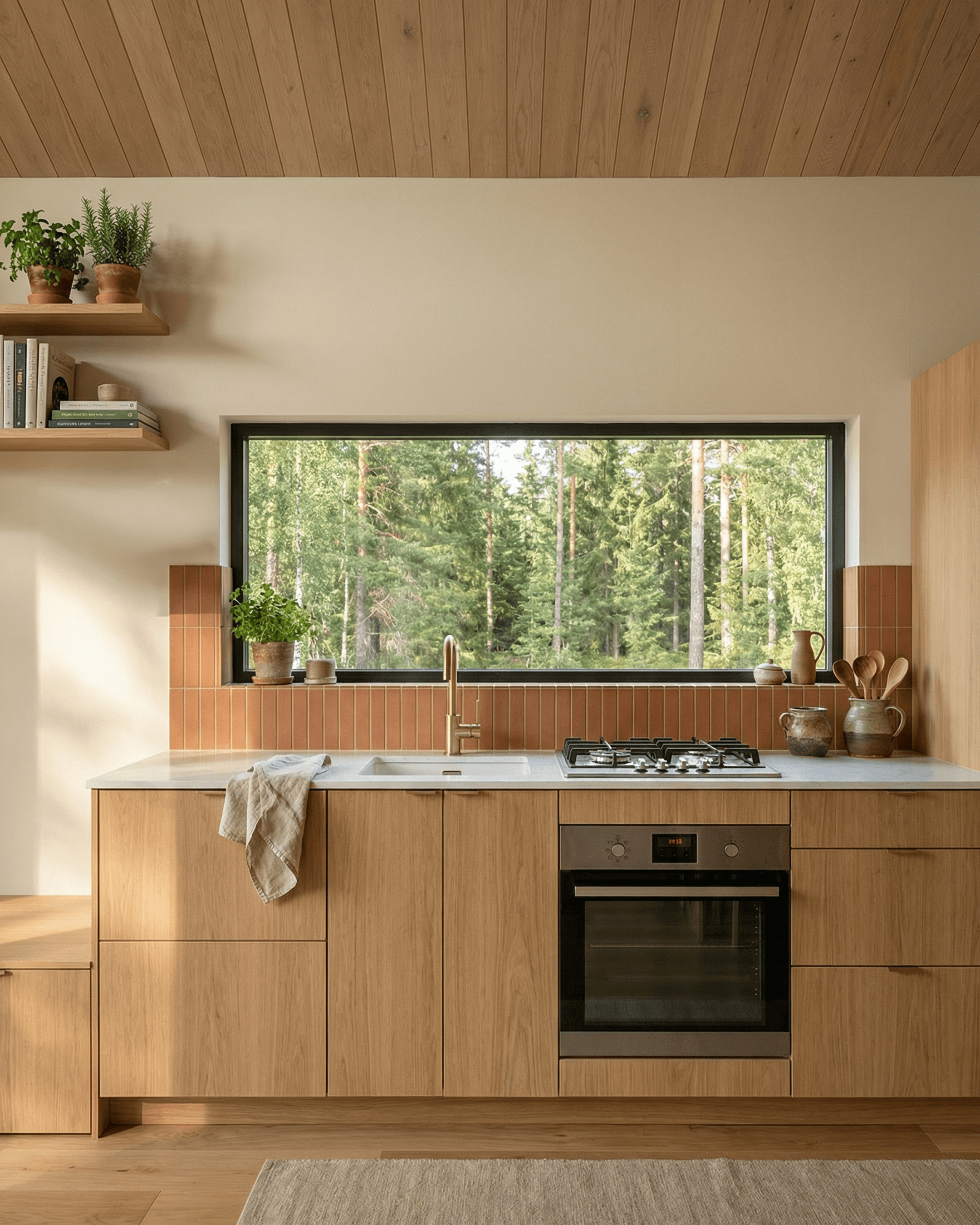
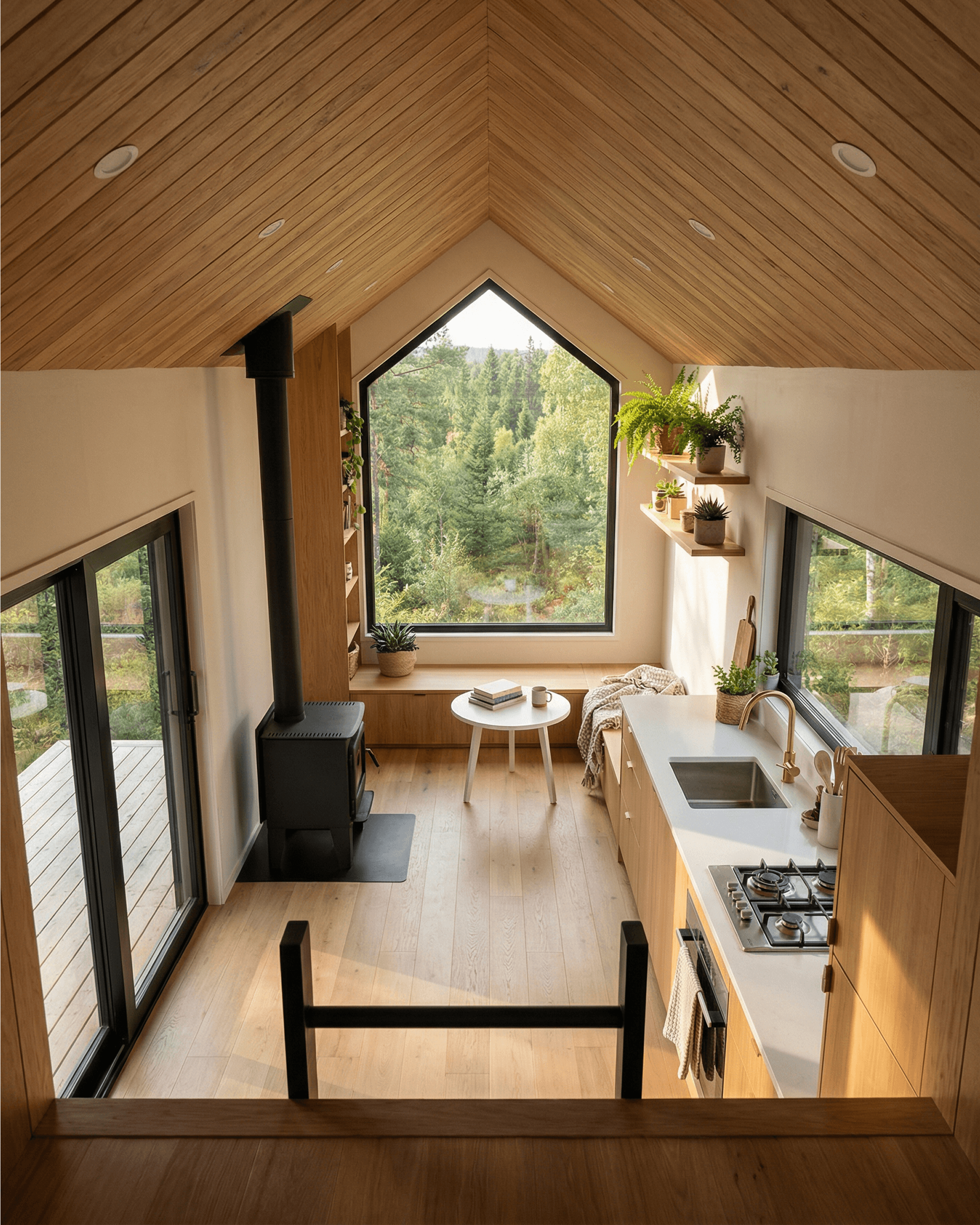


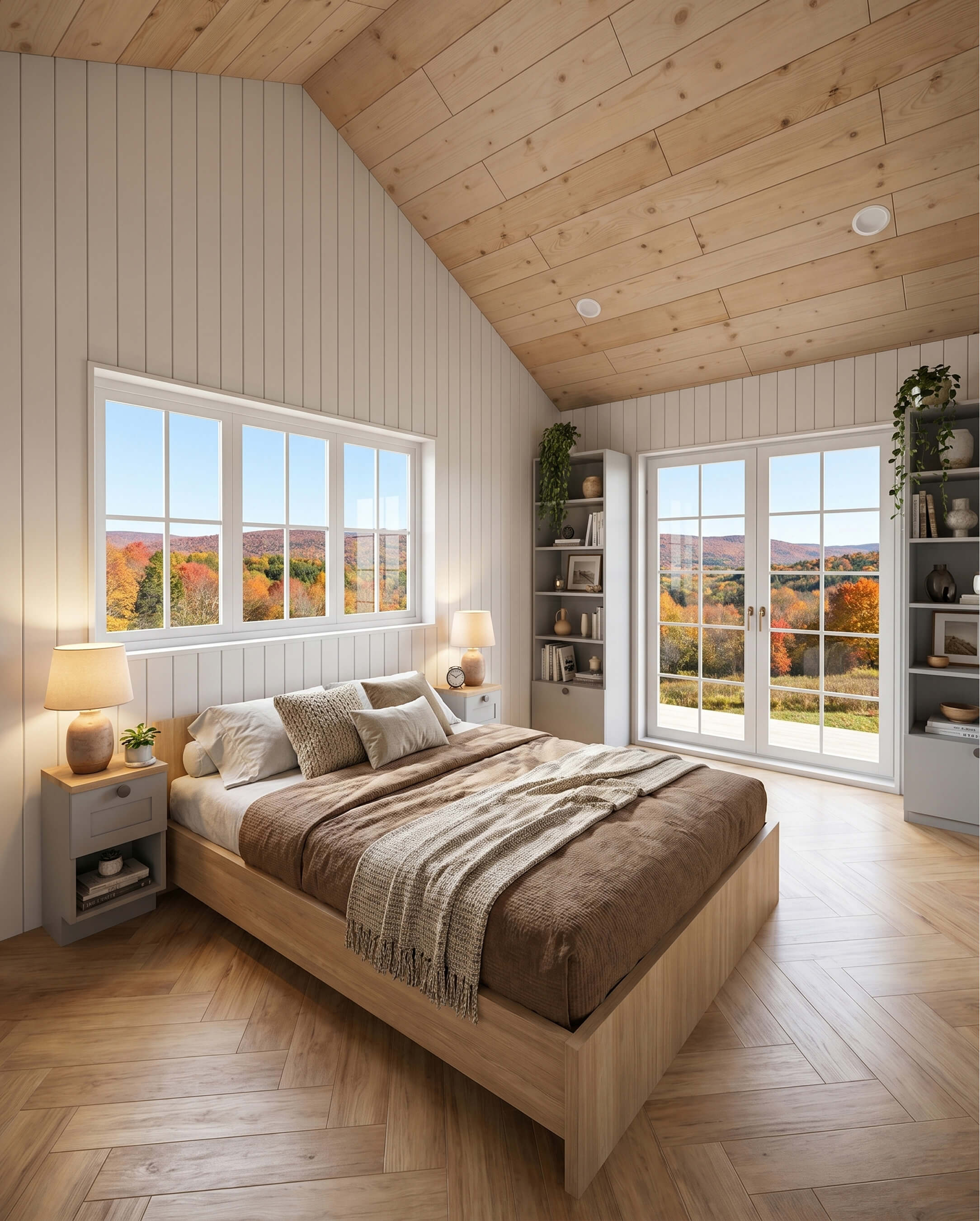


Made to help showcase your sales & marketing in breathtaking, realistic detail. Attract more leads, and help close clients faster — all within your 3D Designer & 3D Configurator modules.