


















3D Designer | 3D Viewer Tool
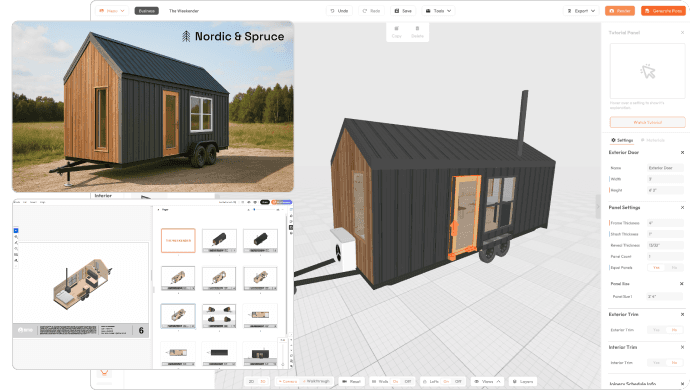
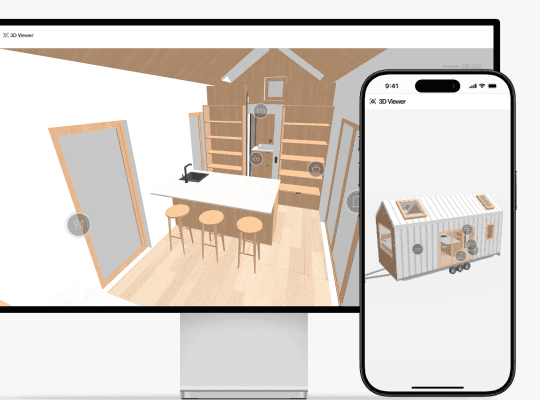
Let clients explore your tiny home designs in real-time with the 3D Viewer — on any device, anytime.
100+ Businesses use Tiny Easy in their Sales, Design & Proposal Workflow

What is 3D Viewer Tool?
An interactive 3D tool that helps clients visualize their future home and say yes faster!
Create a professional, interactive design experience that keeps clients engaged and helps you close deals quicker.
Visually communicate your custom design projects
Show exactly what you're building. No more explaining floorplans over endless emails or phone calls — just send a link to the 3D Viewer.
Speed up approvals & feedback in your design & sales process.
Improve communication with interactive 3D walkthroughs that engage your clients to self-educate. Sign off your projects and close more clients faster.
Stand out from the competition with a polished sales experience
Showcase your models online in an interactive 3D walkthrough. Let clients explore your designs on any device, providing a polished experience that builds trust.
How it Works
How to set up your 3D Viewer
Set up your interactive 3D Viewer in just a few clicks — no extra tools needed.
Step 01
Choose Your Design
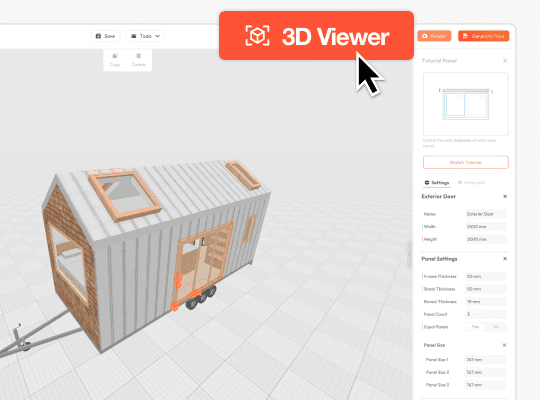
Open the 3D Tiny House Designer software for Business to access the 3D Viewer.
Select your project you want to share
Click the "3D Viewer" button in the top bar to enter "Viewer Mode"
Don't have an account?
Step 03
Share 3D Viewer
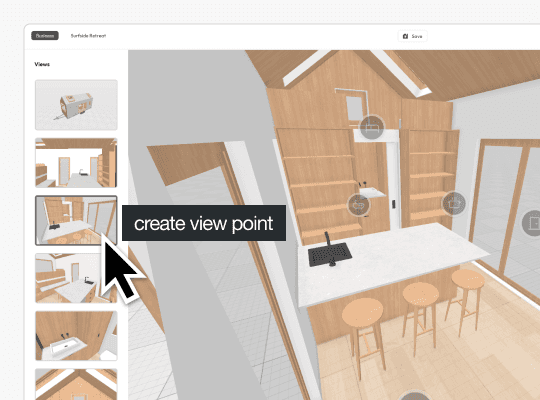
Once all your views are set, save your design, and click the "Copy Viewer Link" in the top bar.
Send a dedicated 3D Viewer link to a client during your design & sales process.
Embed 3D Viewers of finished designs on your website to attract new customers.
Any changes made in the design software are automatically updated in 3D Viewer.
100+ Businesses use Tiny Easy in their Sales, Design & Proposal Workflow
Video Tutorial
See it in action
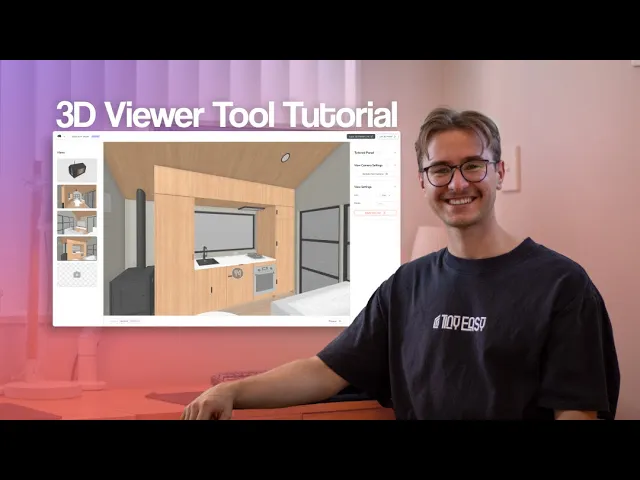
Follow along our video tutorial and learn how to set-up the 3D Viewer Tool in the design software and share with your clients.
3D Viewer For Marketing | Use Case
3D Viewer | For Marketing
Showcase your "Staple Designs" and market them directly within your marketing material.
Website
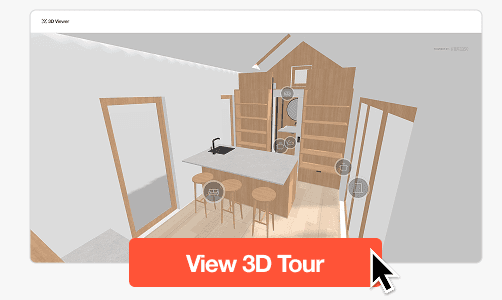
There are two ways to share your 3D Viewer on your website:
Link the 3D Viewer in a button.
Use a clear CTA like "View in 3D" on your dedicated model pages. Make it stand out with a primary button and preview image to grab attention.
Embed the 3D Viewer directly on your designs page.
Use an iFrame to embed the 3D Viewer directly on your website. This allows the walkthrough to load seamlessly with the page.
Brochures
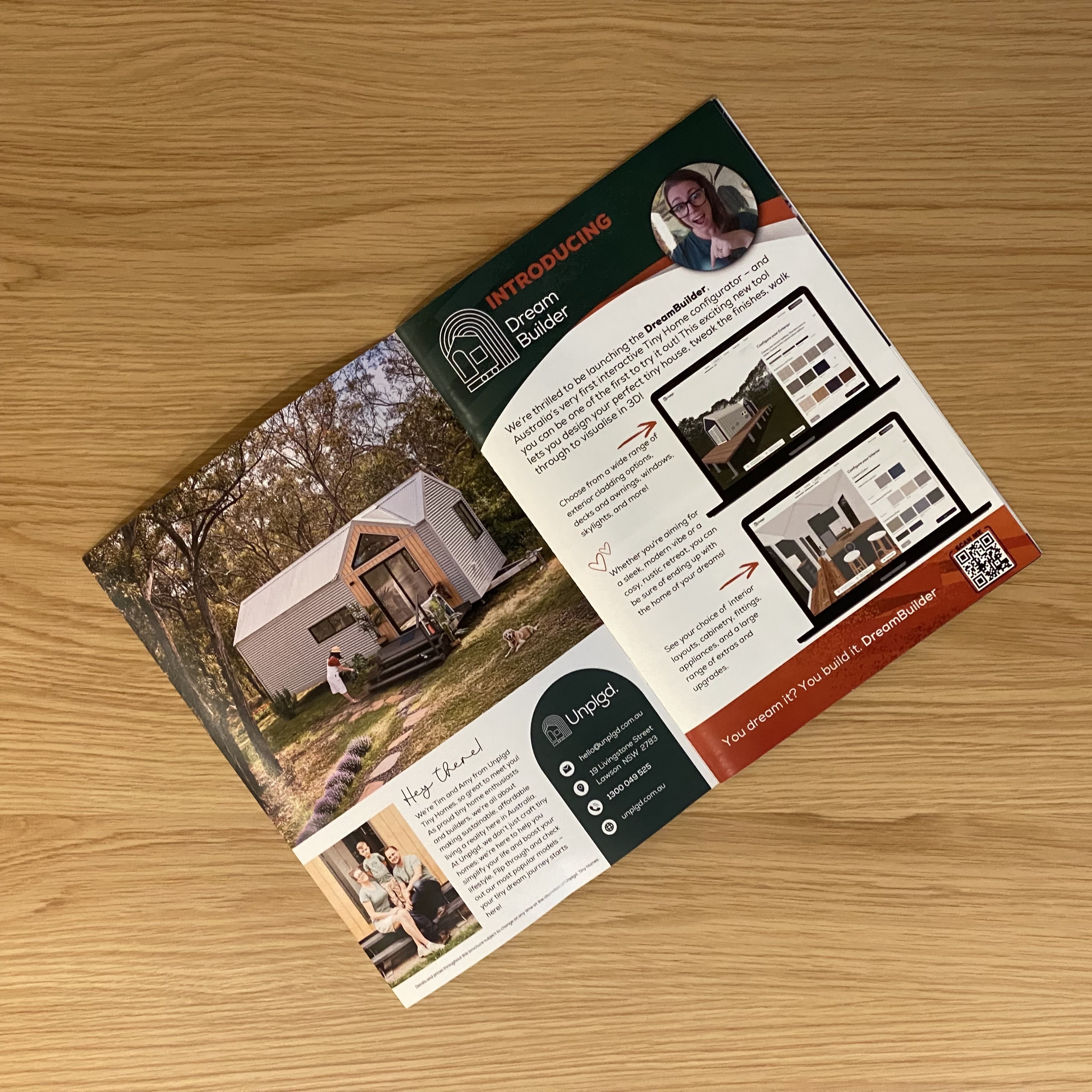
You can apply the same use-case to brochures and banners:
Link ini a QR-Code!
You can invite potential customers to check out models in 3D Viewer by creating a custom scannable QR code!
You can use free QR code generators like BitLy or Dub.co to link to it.
Add the QR code to any of your marketing material, like brochures and pop-up banners at expo events, for your dedicated models to provide an engaging experience that stands out from the competition.
3D Viewer for Custom Designs | Use Case
3D Viewer | For Custom Designs
Use the 3D Viewer to share your design to your clients during your custom design process.
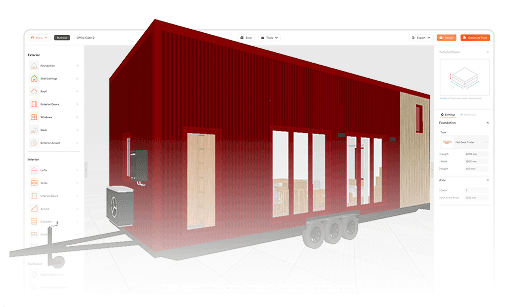
How 3D Viewer improves your custom design process
Share the 3D Viewer link with clients via email or text!
Let your clients connect emotionally with your design.
Once your design is ready for review, clients can explore their future home in their own time in 3D Viewer, fall in love with it, and even share it with their friends and family.
Help clients easily understand the design in 3D
On top of sharing plans or screenshots, clients can walk through the design in 3D, and understand how their future home will actually look like.
Manage changes & revisions with less effort.
Once your client as feedback, quickly make changes in the 3D Designer. Their 3D Viewer updates automatically! Remove time spent on communication.
Try 3D Viewer for your business
Built for Clarity, Speed, & Sales
3D Viewer is included in 3DTHD Business:
The #1 design & sales process to gain an edge in the busy tiny home industry. We have helped 100+ businesses win with sky-rocketing results!
The best workflow to deliver customized tiny home concepts in the same day.