Tiny Easy | Site Planner Tool
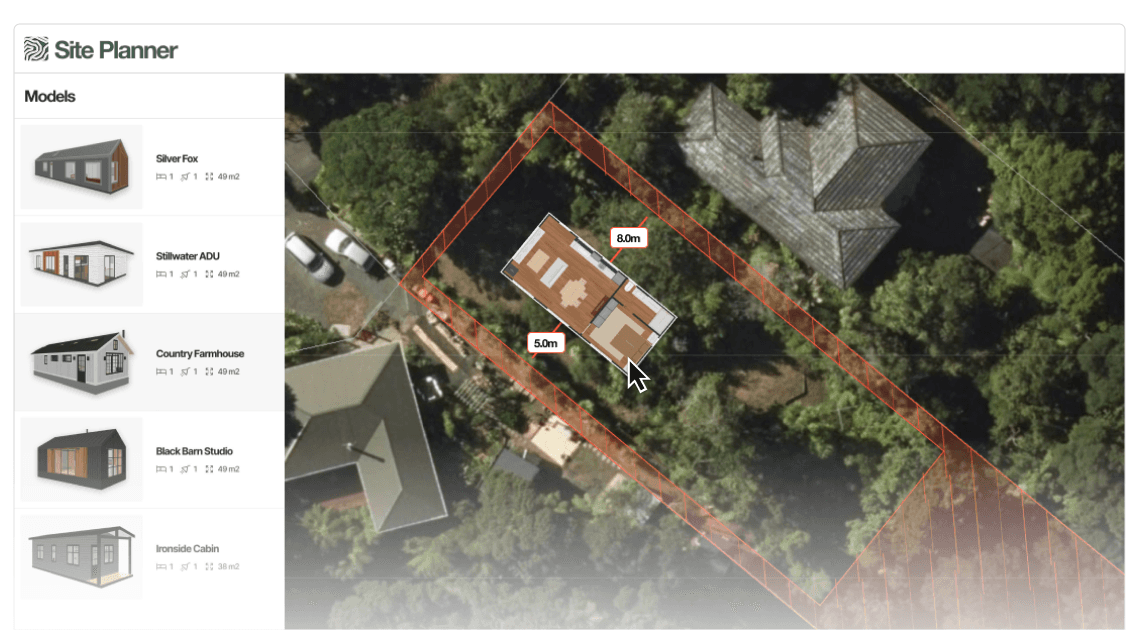
Load a property from an address, overlay key site constraints, and quickly test feasibility. Generate a proposal-ready site plan your clients instantly understand.
100+ Businesses use Tiny Easy in their Sales, Design & Proposal Workflow


















What is 3D Portfolio Viewer?
Turn Site Fit & Rules into a Clear Visual Conversation.
Early-stage sales often stalls on the same question: "Will the house fit on the site, and is it allowed?". The Site Planner is designed to help answer that quickly with a simple, client-friendly site layout, before you invest hours in drawings.
Keep sales momentum high
Answer “will it fit?” early with a simple visual layout, so leads don’t go cold while you wait on site checks or rough sketches.
Remove guesswork from site constraints
Overlay setbacks, boundaries, and coverage limits directly onto the site plan so you can clearly see what’s buildable before committing to a layout.
Connect the design to a real property
Show the home placed on the actual site inside your proposal, and optionally follow up with in-situ AI renders to strengthen clarity and confidence.
LET'S CHAT
Book a Demo for Your Business
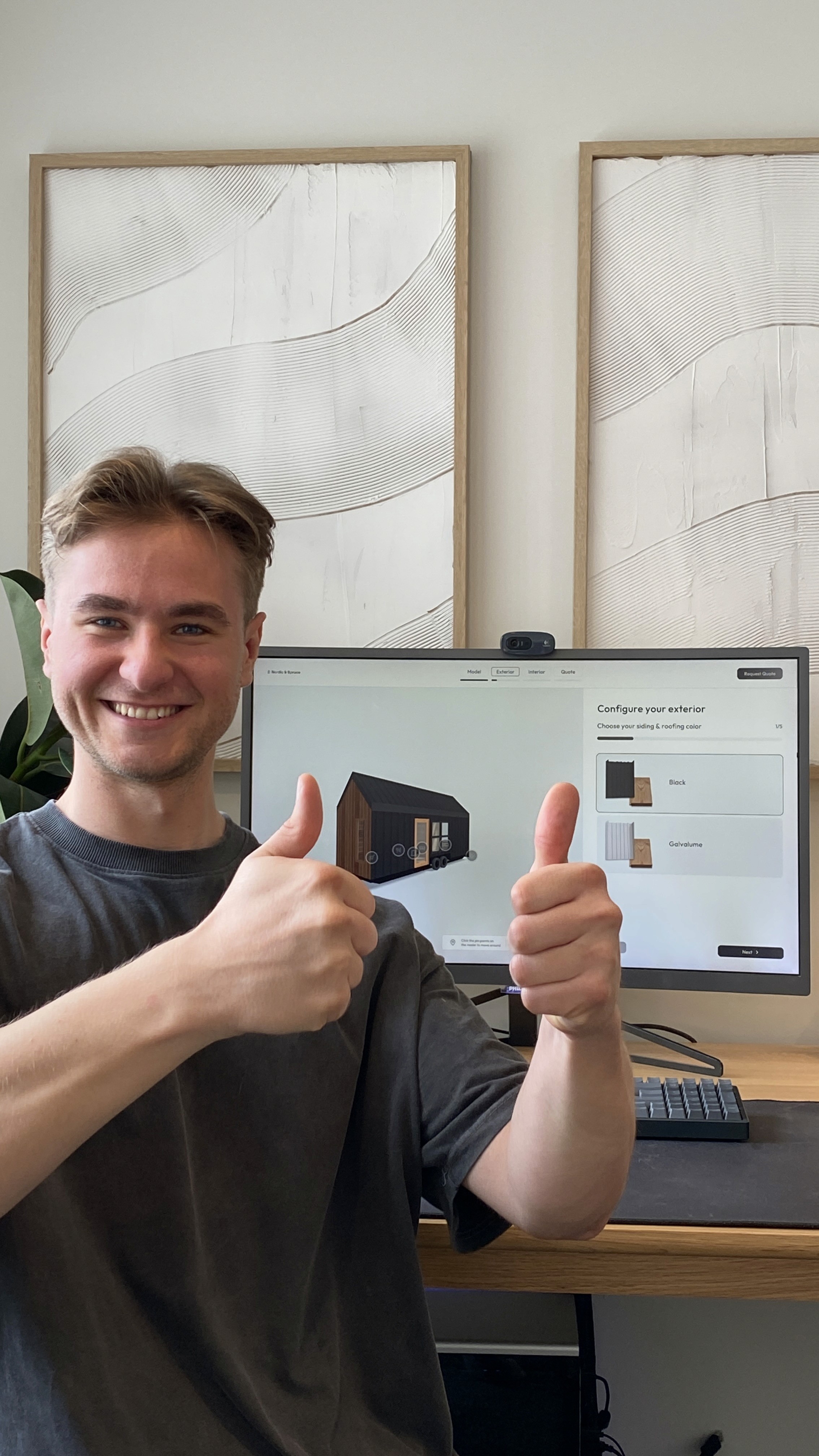
Hey, I'm Till!
Let's have a chat to learn more about your business, how your process works, and the problems you'd like to solve.
Plus, I will give you a tour of Tiny Easy, with the features that are most important to your business.
If there's a fit, I'll help you choose the right plan & set up your account.
Talk soon!
Features
Everything you need to validate a site fast!
From mapping and setbacks, to placing one or multiple structures, the Site Planner helps you go from rough ideas to a confident site layout that's ready to include in your proposal.
Search by Address
Type in the clients address to load the property location instantly, so feasibility checks start in seconds, not after admin work.
Site Imagery and Orientation
Use satellite imagery to understand access, slope cues, and existing context, all while keeping the layout client-friendly.
Boundaries and Contour Overlays
Visualize key site information like boundaries and contour lines to quickly identify tricky areas and best placement zones.
Setbacks and Rule Inputs
Enter front, side, and rear setbacks, plus key constraints like maximum coverage. See the rules visualized on the site.
Buildable Area Highlighting
Automatically show the usable building area based on the rules you enter, so your team can stop guessing and start placing.
Drag & Drop placement
Place a staple design or a configurator-customized design onto the site and move it around in 2D to test fit quickly.
Multi-Structure Layouts
Arrange multiple structures when needed, like a main dwelling plus an ADU, and explore practical site layouts early.
Proposal-Ready Site Plan PDF
Generate a clean site plan page for your proposal showing placement, key restraints and a layout your clients can understand.
Optional In-Situ AI Renders
If the client supplies site photos, render the proposed build "on the site" to create an instant "wow" moment and reduce uncertainty.
LET'S CHAT
Book a Demo for Your Business
Hey, I'm Till!
Let's have a chat to learn more about your business, how your process works, and the problems you'd like to solve.
Plus, I will give you a tour of Tiny Easy, with the features that are most important to your business.
If there's a fit, I'll help you choose the right plan & set up your account.
Talk soon!
100+ Businesses use Tiny Easy in their Sales, Design & Proposal Workflow