Educational
What is an ADU? It's a self-contained backyard home — and a growing revenue stream for builders. Learn the types, sales process, and tools that support it.
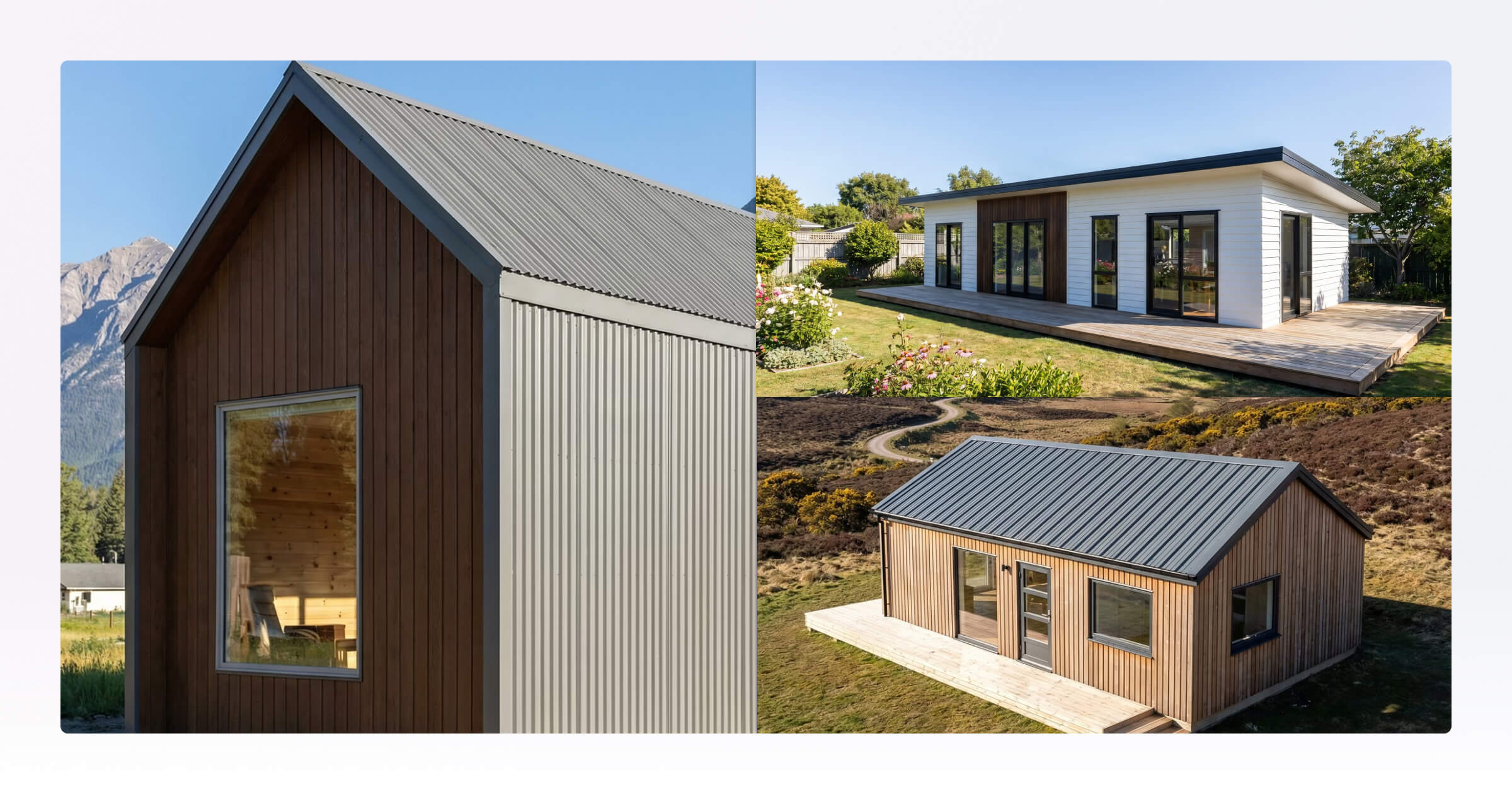
ADUs have become one of the fastest-growing project types for small home builders across the United States. As housing costs rise and homeowners look for more flexible living solutions, backyard homes are increasingly being used for rental income, multigenerational living, guest accommodation, and dedicated workspaces.
Designing an ADU involves more than fitting a small home into a backyard space. Compact layouts, site constraints, storage considerations, and helping homeowners clearly visualize the finished design all play a major role in the process.
Key Takeaways:
An ADU is a self-contained secondary dwelling built on a residential lost, available in detached, attached, converted, and junior (JADU) forms.
Homeowners build ADUs for three main reasons: rental income, multigenerational living, and flexible extra space like a home office or guest accommodation.
Compact layouts, site constraints, and multifunctional rooms make ADU design more demanding than standard residential builds
The biggest challenge in ADU sales isn't construction, it's helping homeowners picture a compact, custom space before they commit
Builders who connect design, proposal, and handoff in one workflow win more ADU jobs with less back-and-forth per project
What Is an ADU?
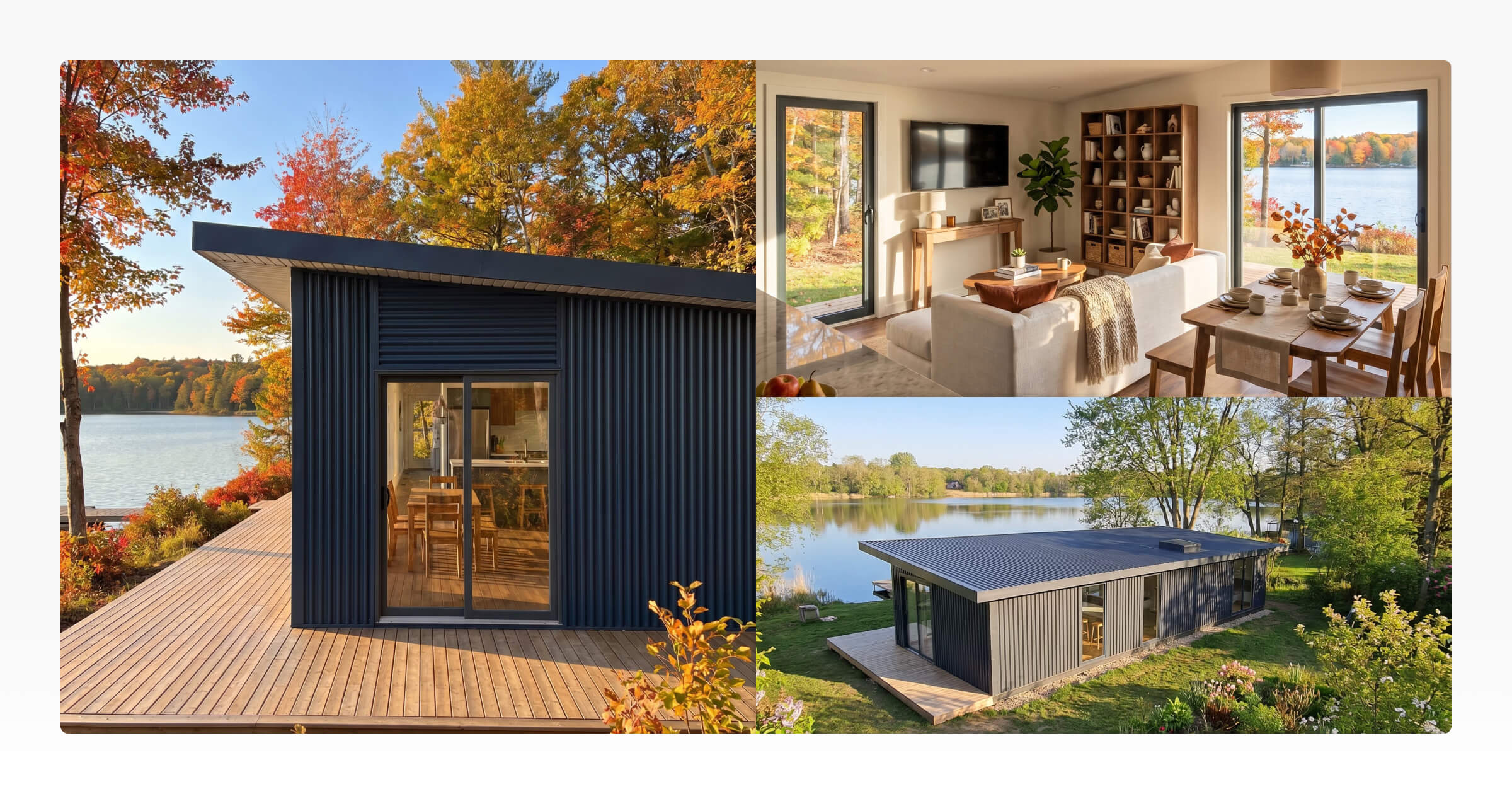
An ADU (accessory dwelling unit) is a secondary, self-contained residential dwelling built on the same lot as a primary home. It has its own living area, kitchen, bathroom, and private entrance, and it functions independently from the main residence.
ADUs come in four main forms:
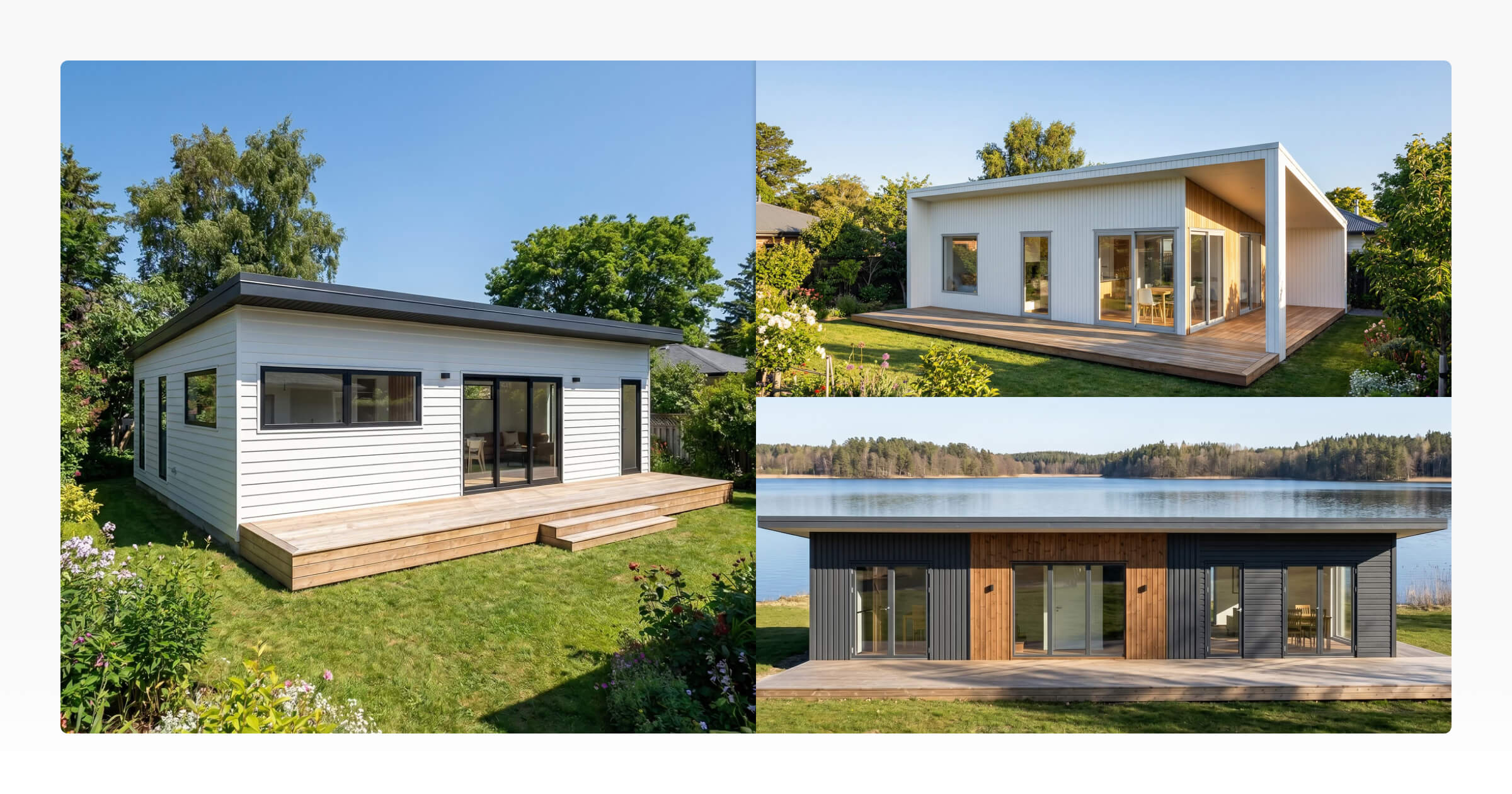
Detached ADU: A standalone structure built separately from the primary home, such as a backyard cottage or freestanding studio
Attached ADU: A unit that shares a wall with the primary home but has its own separate entrance and interior
Garage or structure conversion: An existing garage, outbuilding, or basement converted into liveable space
Junior ADU (JADU): A smaller unit, typically up to 500 sq ft, built within the existing home's footprint
The name changes depending on location. In Australia and New Zealand, the same structure is usually called a granny flat or secondary dwelling. In parts of Canada, secondary suite or laneway house is more common. Across the US, backyard home and in-law suite are widely used. For the purposes of this article, ADU, backyard home, and granny flat refer to the same concept.
Common reasons homeowners build ADUs include generating rental income, creating an independent space for an ageing parent or adult child, or adding a dedicated home office that functions separately from the main house.
Why More Homeowners Are Building ADUs
Homeowners build ADUs for a range of reasons, and the use case often shapes the brief before a builder is even involved.
Rental income is one of the most common motivators. A well-positioned one-bedroom backyard home can generate consistent monthly income, making it an attractive option for homeowners looking to offset mortgage costs without taking on a full investment property.
Multigenerational living drives a significant share of demand. Many families want their parents or adult children nearby but not in the same house. A detached ADU provides the independence of a separate dwelling while keeping family close for day-to-day connection.
Flexible use accounts for much of the rest. Home offices, guest accommodation, short-stay rentals, and dedicated studios all work well within the ADU format. Homeowners don't always arrive with a fixed use case in mind. What they often know first is that they want a separate, self-contained space, and the specific use tends to clarify once they can see what the finished design actually looks like.
What Makes ADUs Different From Traditional Homes?
ADUs are compact by nature, but that doesn't make them simple to design or sell. In some respects, designing a good ADU is harder than designing a larger home.
Every square metre has to justify itself. A layout that works in a 2,500 sq ft home can feel tight in a 600 sq ft ADU. A living area that reads clearly on a floor plan might feel different once furniture is in place. The margin for error is smaller, and early design decisions have a larger impact on the finished experience.
A few things make ADU design distinct:
Site constraints: Most ADUs sit within an existing residential lot, working around established structures, setbacks, and access points. The site shapes the design in ways a clean-slate build doesn't face
Multifunctional spaces: In a compact layout, rooms often do more than one job. Dining areas double as workspaces. Hallways serve as storage. Every element has to sit well next to what's around it
Natural light: In a traditional home, a poorly positioned window is a minor issue. In a compact ADU, it affects the feel of the whole room. Light needs to be planned, not assumed
Storage: In a larger home, storage can be added later. In an ADU, it has to be designed in from the start
These characteristics are what make ADU work genuinely different from standard residential builds. Getting the design right is one challenge. Communicating what the finished space will actually feel like to a homeowner, before they commit, is another.
Most builders already know what an ADU is. The harder question is how to turn a homeowner's idea into a clear, visual, signable proposal before someone else does.
The Challenge Isn't Building an ADU. It's Selling One.
Homeowners who enquire about an ADU usually have a clear sense of what they want at a general level: a space for their parents, a rental unit to offset the mortgage, a studio at the back of the garden. What most of them don't have is a clear picture of what that space will actually look and feel like.
This is where most ADU sales conversations slow down or stall.
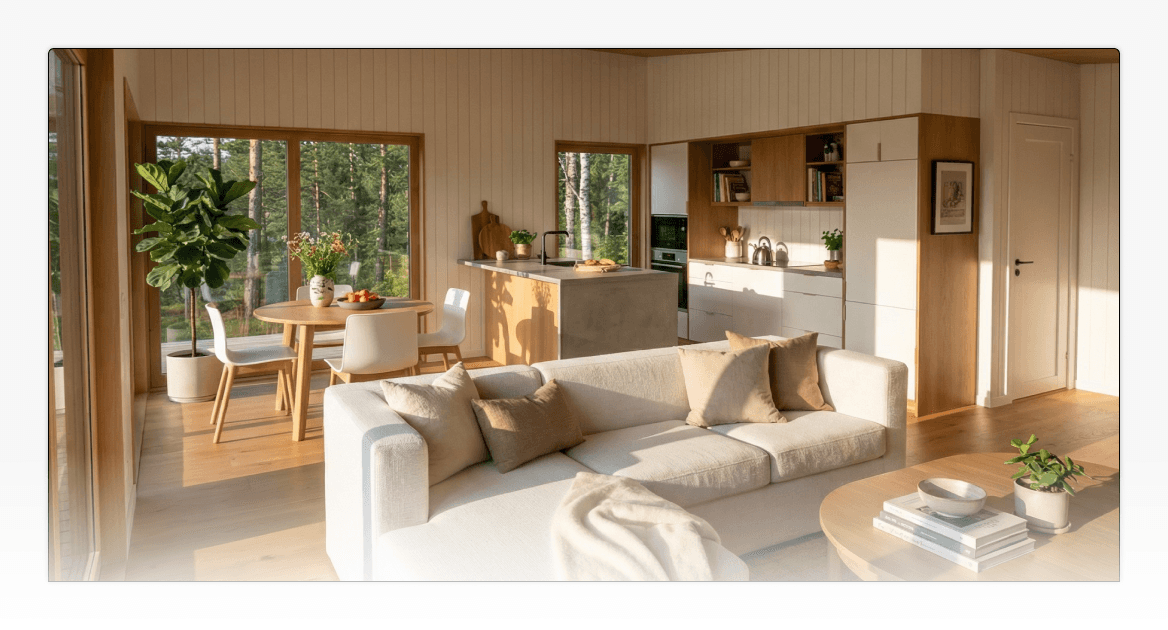
A floor plan tells a homeowner the layout. It doesn't tell them whether the kitchen will feel cramped, how natural light will move through the living space, or whether the bedroom will feel like a proper room or a corridor with a bed in it. That gap between the technical document and the lived experience is where uncertainty lives. And uncertainty stalls decisions.
Want to see how Tiny Easy helps ADU builders present their concepts more clearly from the first conversation?Book a demo and we'll walk you through the workflow.
From First Enquiry to Signed Proposal: How the ADU Sales Process Actually Works
A well-run ADU sales process moves through four stages. Each builds on the last, and the transition between them is often where time gets lost and jobs fall through.
Stage | What it covers | Where builders commonly lose time |
|---|---|---|
Sales | Qualifying the lead, understanding goals and site context | Weak intake leads to a vague design brief |
Design | Creating a concept that fits the site, budget, and goals | Starting from scratch on every project |
Proposal | Renders, plans, pricing, and scope in one document | Scattered files and slow manual assembly |
Handoff | Transferring the approved concept to the build team | Key decisions lost between stages |
Sales is about understanding what the homeowner is actually trying to achieve. Is this a long-term rental? A granny flat for an ageing parent? A short-stay property? The answers shape everything downstream.
Design is where the ADU design takes shape. Builders who work from reusable template footprints can produce a tailored concept much faster than those who start from scratch each time.
Proposal is where the job is won or lost. A strong proposal brings together the concept render, floor plan, key specifications, and pricing in one clear, shareable document, everything the homeowner needs to say yes.
Handoff is the clean transfer of the approved concept to the build team. A clean handoff means less back-and-forth and less risk of important decisions getting lost between stages.
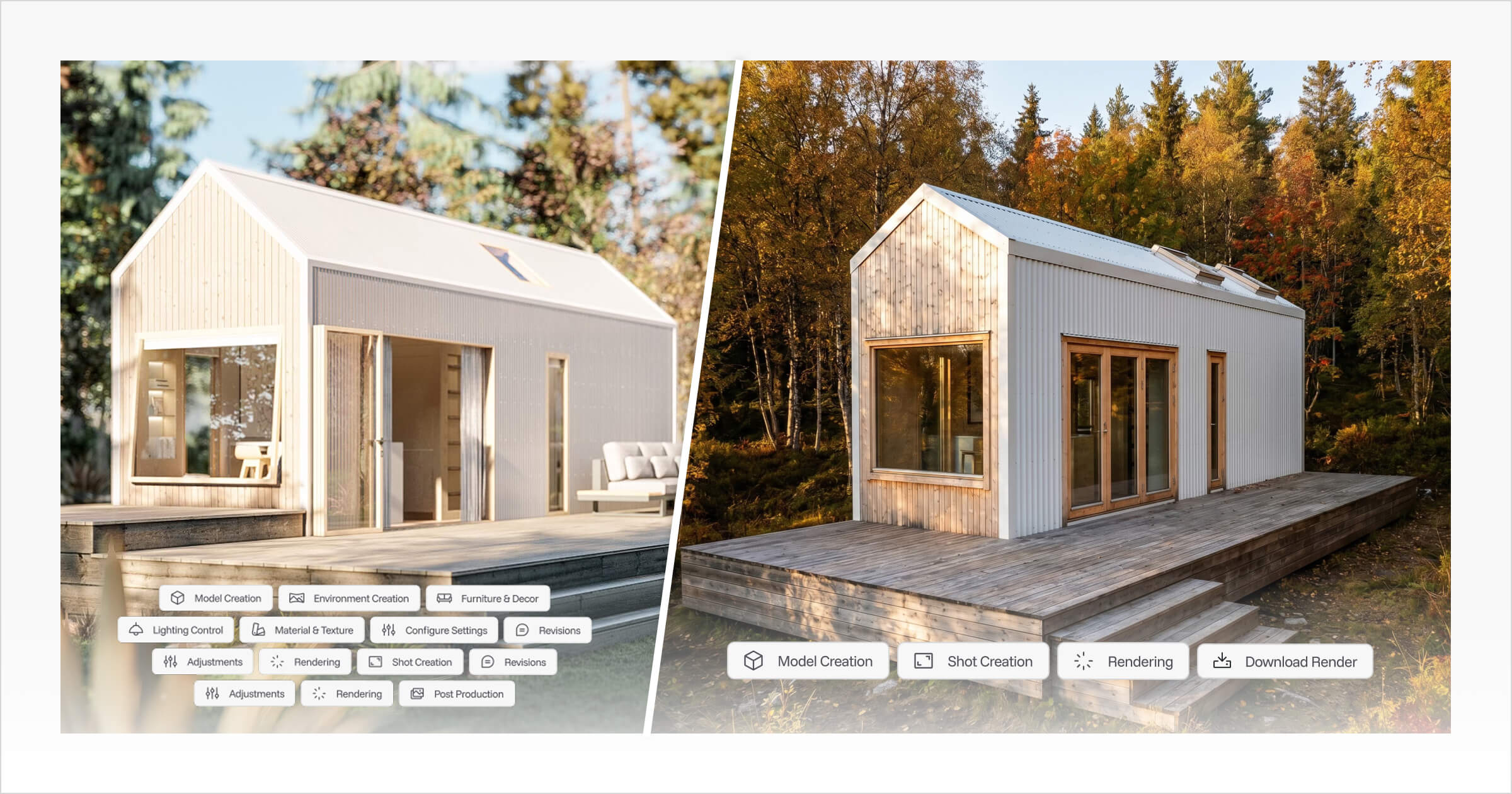
Tiny Easy's 3D Designer and Proposal Builder connect these stages in one platform. The 3D Designer handles concept creation, dimensioned PDF plan generation, and marketing-ready renders. The Proposal Builder pulls those outputs into a polished client-facing document without moving files between tools.
[Embed video: Tiny Easy ADU design walkthrough, suggested placement here to show the 3D Designer workflow in action]
The Tools That Support the Full ADU Workflow
For ADU builders who want to move faster and win more consistently, the goal isn't just having good designs. It's having a connected system that carries information from sales through to handoff without creating extra admin at each stage.
In practice, that means:
Sales: A clear intake process that captures site context, goals, and budget early, so the design brief is actually useful
Design: Reusable template footprints in a tool that makes adjusting layouts, finishes, and options fast rather than repetitive
Proposal: A way to bring renders, plans, pricing, and inclusions into one shareable document, without relying on Canva, Word, or scattered email attachments
Handoff: A clean transfer of the approved concept so the build team starts with the right information from the beginning
Tiny Easy's software for ADU builders connects these stages. The 3D Designer handles concept creation and plan generation. The AI Render Tool turns designs into marketing-ready visuals. The Proposal Builder brings everything together in a client-facing format.
The Site Planner Tool maps lot constraints before the design conversation, so the brief is accurate from the start. And the 3D Viewer Tool lets builders share an interactive walkthrough of a specific ADU concept before the first meeting, so the homeowner arrives already familiar with the design.
Each tool works independently. Together, they make it easier to move through the full workflow without losing time between stages.
Frequently Asked Questions
What is the difference between an ADU and a granny flat? An ADU (accessory dwelling unit) and a granny flat describe the same concept: a self-contained secondary dwelling built on a residential lot. The terminology varies by region. ADU is the standard term used in the United States. Granny flat is more common in Australia, New Zealand, and parts of the UK. Backyard home and in-law suite are also widely used across different US markets.
What types of ADUs can be built on a residential lot? The main types are detached ADUs (freestanding structures built separately from the main home), attached ADUs (units sharing a wall with the primary home), garage or structure conversions, and junior ADUs (JADUs), which are smaller units built within the existing home's footprint. The types available on a specific lot depend on local zoning rules and site conditions.
Do ADU builders need specialist design software? General home design software can be adapted for ADU design work, but it often requires significant workarounds for compact layouts, specific site constraints, and the kind of visual output that supports a clear client proposal. Purpose-built tools like Tiny Easy are designed around the practical needs of small home builders, including ADU footprints, reusable templates, and integrated proposal outputs.
What is the biggest challenge for builders entering the ADU market? The most common challenge isn't construction, it's the sales and presentation process. Homeowners often struggle to picture a compact custom space from a floor plan alone. Builders who can present a concept clearly through renders and an interactive 3D design convert more enquiries into signed proposals. The faster a builder can move from first conversation to a polished visual concept, the more competitive their sales process becomes.
How does Tiny Easy support ADU builders specifically? ADU builders use Tiny Easy to design concepts from reusable templates, generate dimensioned PDF plan sets, produce AI renders for proposals and marketing materials, and create polished client proposals that bring designs, specifications, and pricing into one shareable document. The platform is built around the full sales to design to proposal to handoff workflow.
Building a Stronger ADU Business Starts with a Clearer Process
ADUs have become a genuine and growing opportunity for small home builders. The demand is there, more homeowners understand the option, and the use cases are clear enough that builders who focus on this work can develop a well-honed approach.
The builders winning the most ADU work aren't necessarily producing the best floor plans. They are producing the clearest, most compelling picture of what the finished home will look and feel like. They move faster from first conversation to polished concept.
They get to proposal stage while the homeowner is still engaged. And they have a process that carries all of that through to handoff without rebuilding it from scratch each time.
That's a design communication and workflow problem as much as it is a technical one. And it's one that the right tools make significantly easier to solve.
If you want to see how Tiny Easy helps ADU builders move more efficiently from first enquiry to signed proposal, book a demo and we'll walk you through how it fits your specific workflow.



About the Author
Eujenne | Co-founder of Tiny Easy and has 8+ years of experience in the tiny house and small home industry.
She built her own tiny home on wheels with her partner and co-founder Laurin, and has designed several popular Tiny Easy concept homes, including the Scandi, Petite Maison, and 10x10 Tiny House on Wheels. At Tiny Easy, Eujenne works across UI/UX, product education, content marketing, and builder resources, helping small home businesses use 3D design and visual sales tools to improve their design, sales, and client communication workflows.