Educational
A practical guide to home builder website design: what to prioritize, how to showcase your model-range, and how visual tools sell homes before they're built.

Most home buyers now start their search online, long before they ever pick up the phone. That first visit to your website often decides whether they take you seriously or move on to the next builder on their list.
A prospective buyer finds your business online before they ever call you. Your website is the first real look they get at your business, your model-range, your process, and your pricing. It also shows whether you are a builder worth trusting with one of the biggest purchases they will make.
That is true whether you build ADUs, cabins, tiny homes, prefab homes, or another model-based home. The right technology choices, content that builds trust, and a clear next step for every visitor turn a website into a real lead-generation tool instead of a digital brochure.
Get those pieces right and your website becomes the busiest member of your sales team. It works while you sleep and answers the questions buyers ask before they call. It also turns into an online digital showroom, one that puts your model-range front and center and shows a visitor exactly what to look at first.
Why a Home Builder Website Matters
Your website is where a buyer decides whether to take you seriously. It is where they check that you are a real business, look at homes similar to what they want, and decide if reaching out is worth their time.
Website development, branding, and content creation are a core part of your marketing foundation, separate from the paid ads or social posts that drive traffic to it. Those channels can point buyers your way. Your website is what convinces them to stay.
For a model-based builder, that job has an extra layer. Buyers are not just choosing a builder. They are choosing a home from your model-range. Your site has to do the work a display home or showroom would do for a traditional builder, showing the options clearly enough that a buyer can picture living in one.
Landing Page or Full Website: Where to Start
A landing page is a single page built around one message and one action, like a single product page. A full website is a connected set of pages: a homepage, an About page, individual pages for each model, and more. Both are legitimate ways to get online, and the right one depends on how much you have to show right now.
If you are just getting started, a single landing page can do the job. One page with your business name, a handful of photos, your service area, and a way to get in touch is enough to start. It can capture inquiries while you build out your model-range and your reputation.
A landing page is also useful for testing. Launch it quickly, start sending visitors to it, and see whether your messaging and your models resonate. Once you can see which model gets the most inquiries, use that one as your hero instead of promoting three or four models evenly before you know which one actually works.
A full website earns its place once you have more to show and more reasons for a buyer to explore. A growing model-range needs individual pages. A buyer doing real research, comparing builders, checking your process, wants more than one screen of information. A full site also gives search engines more pages to match against more searches, which helps the right buyers find you.
You do not need custom-built software to get either one live. For a straightforward, beginner-friendly build, Squarespace and Wix are both easy to pick up without a design or development background.
If you want more custom control over layout and design, Webflow, Framer, and WordPress with a builder-friendly theme give you that flexibility, with a slightly steeper learning curve. Whichever you choose, pick one that makes it easy to add new model pages yourself, since that is a page type you will be creating often.
What to Prioritize on Your Website for Better Engagement
A buyer should not have to hunt for the basics. The moment someone lands on your homepage, they are deciding whether to stay or click back to search results.
If you’re not sure how to structure your homepage, we’ve put together a free Homepage Formula Guide for Small Home Builders specifically for builders like you. It goes into more detail on what makes a strong builder homepage, breaking down each section in order, what to include, what to say, and why it matters when turning website visitors into potential customers.
Your business name, specialty and service area
Your business name, what you specialize in, and where you build should all be obvious within seconds of landing on your site. A visitor needs to know instantly whether you build ADUs, cabins, tiny homes, or another model type, and whether you serve their area at all. Leave it vague and an unsure visitor is far more likely to click away to a competitor who made it obvious.
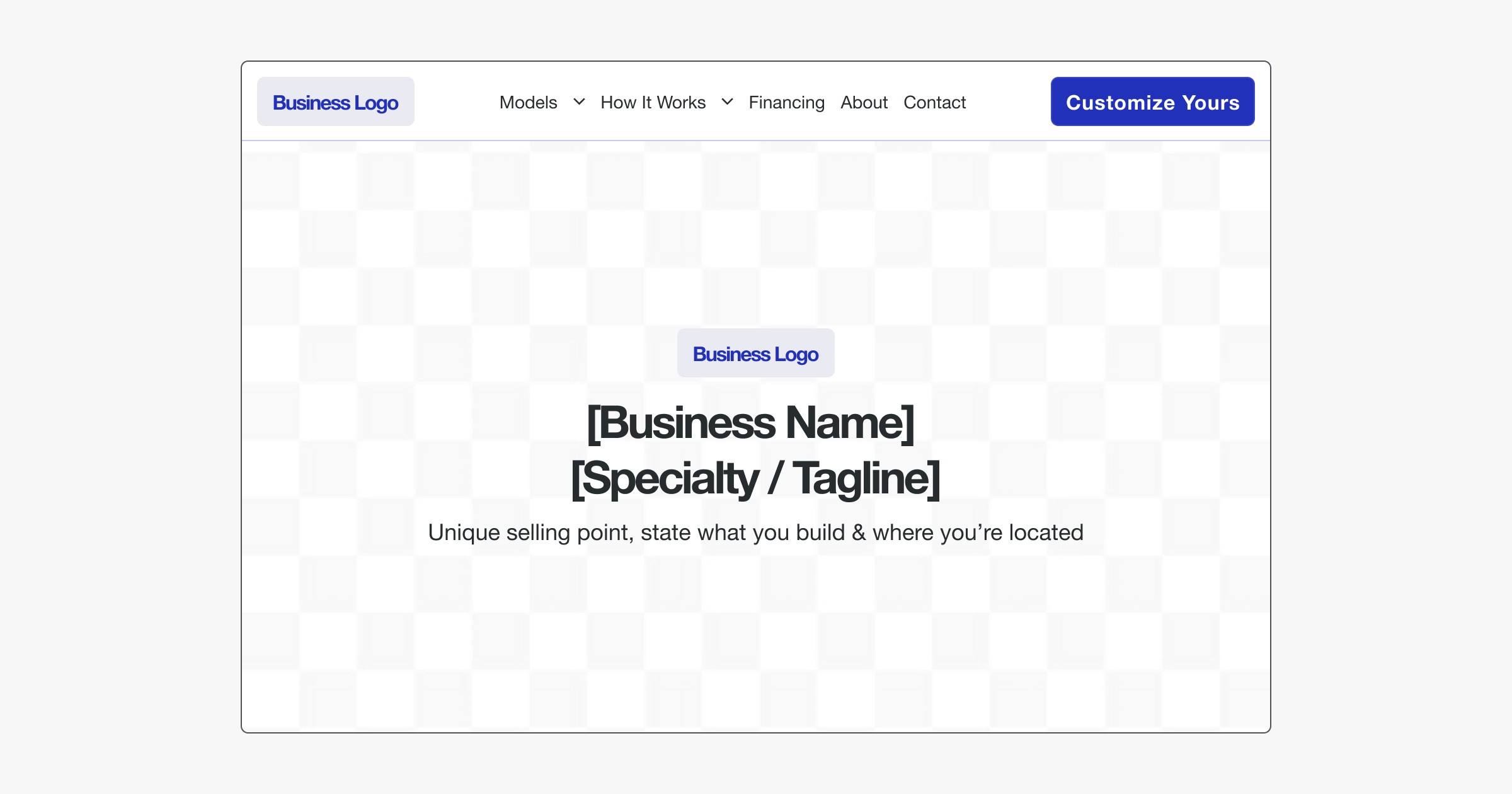
This same information does double duty for search engine optimization, or SEO. When your business name, specialty and service area are clear and consistent across your site, search engines can match you to the right searches in the right location. That means the buyers actually looking for what you build are the ones who find you.
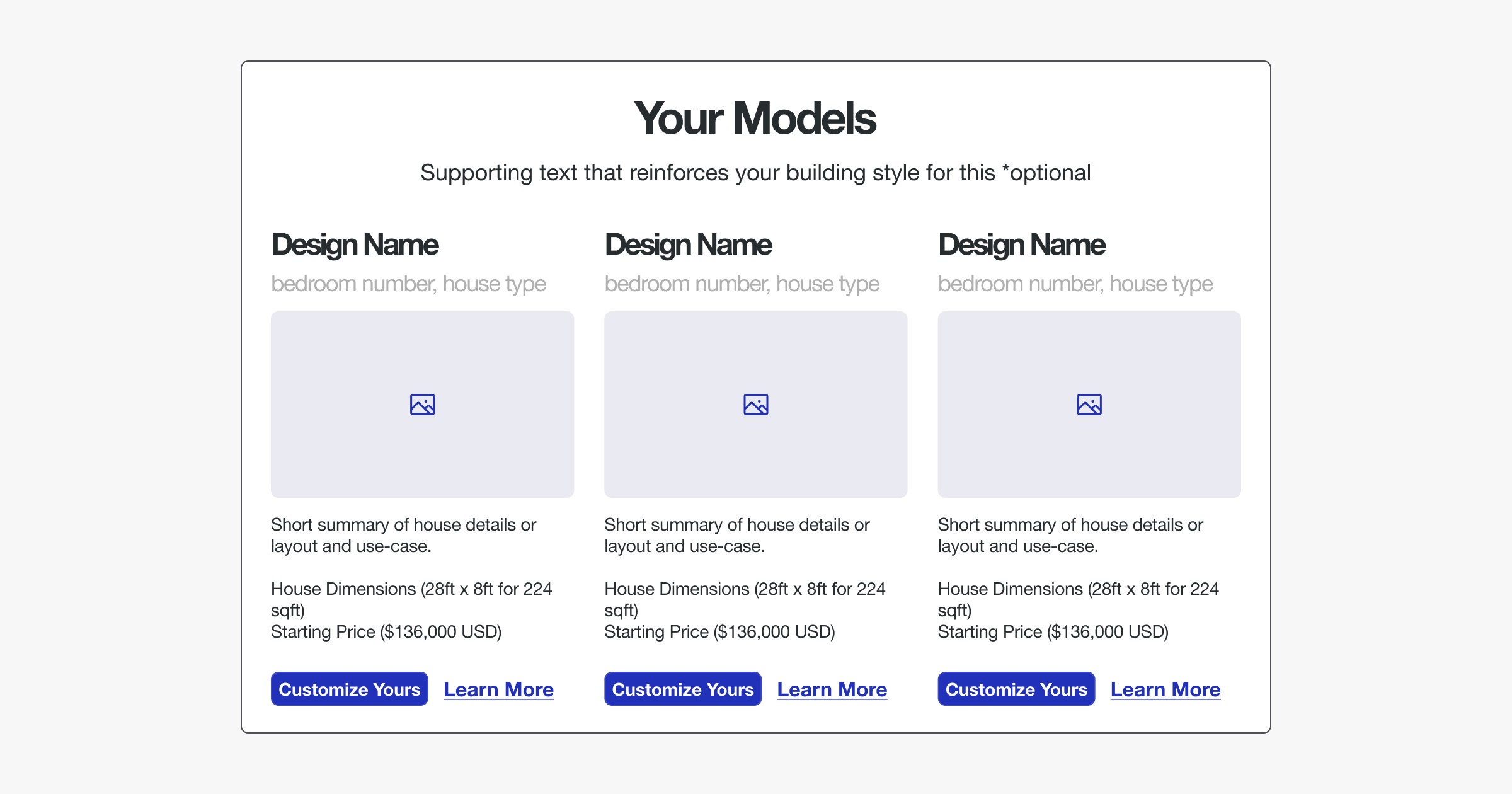
Your Model Range
At the end of the day, you are a builder selling homes, so your model-range should be one of the first things a visitor sees, not something they have to dig for.
Most visitors decide whether to keep exploring your site within seconds. Put your model-range in the first section under your homepage's hero, ahead of your story, your process, or anything else. A visitor who sees what you actually build right away is far more likely to keep exploring than one who has to scroll past everything else first.
Indicative pricing
Even a starting range, rather than a fixed number, helps a buyer work out if you fit their budget before they reach out. Indicative pricing does not have to be exact. It just has to be honest enough that a serious buyer does not waste your time, or their own, on a conversation that was never going to work.
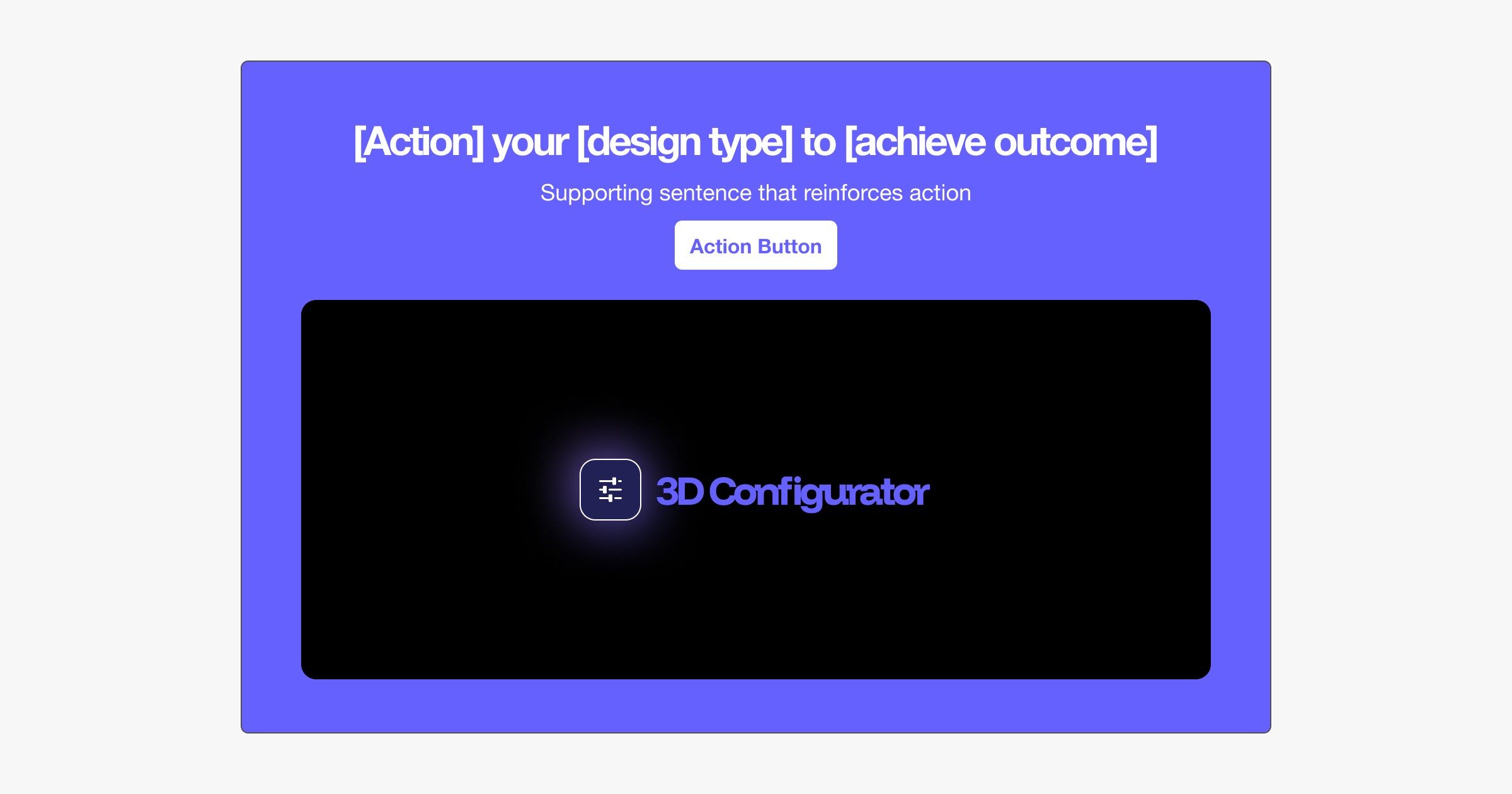
A 3D Configurator lets you showcase your model range with indicative pricing, customizations, and upgrades directly on your website. As customers make changes, pricing updates live, helping them understand what fits their budget and giving your team more qualified, higher-intent leads.
A clear next step
Every page should point toward one clear action. That might be a contact form, a phone number, or a way to start exploring your models online. A visitor who has to think about what to do next is a visitor who leaves without doing anything.
Transparent business information
Buyers researching a builder want to know who they are dealing with before they commit to one of the biggest purchases of their life. Make it easy to see how long you have been building, your license and insurance, and a real way to reach you. Putting this information on the page yourself, instead of making a buyer ask for it, is one of the simplest ways to look established and trustworthy.

What makes you different
Say what actually sets you apart from the next builder on a prospect's list. That might be your specific model type, your build time, your price point, or the way you work with a buyer from first call to handover. Whatever it is, put it in words a buyer can repeat back to a friend.
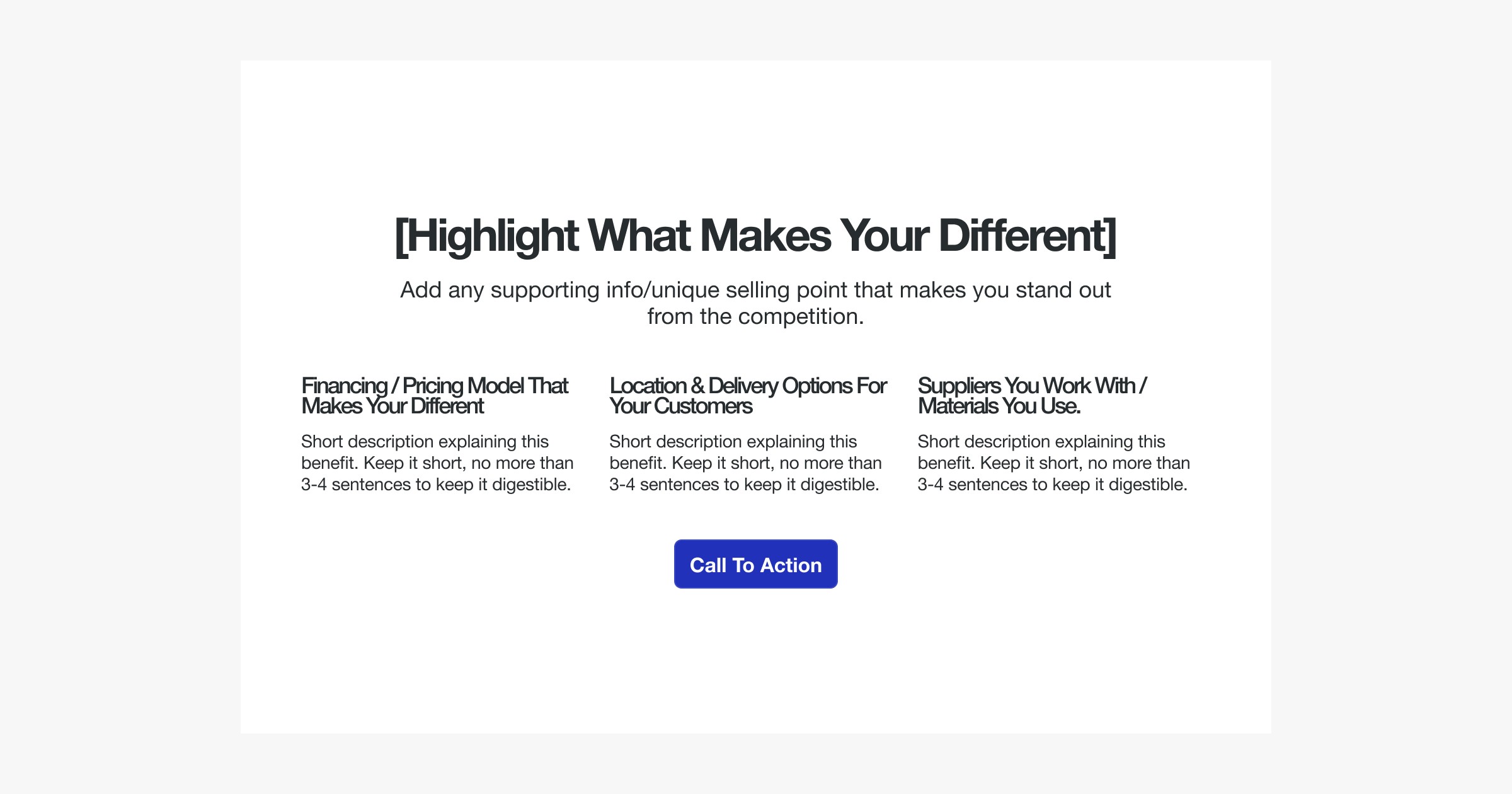
About page, process and model information
Round this out with an About page that introduces you, and a plain explanation of your process from first inquiry to handover. Add enough information on each model for a buyer to compare them. Together, these are what turn a visitor who is just browsing into someone ready to reach out.

Showcase Your Model-Range
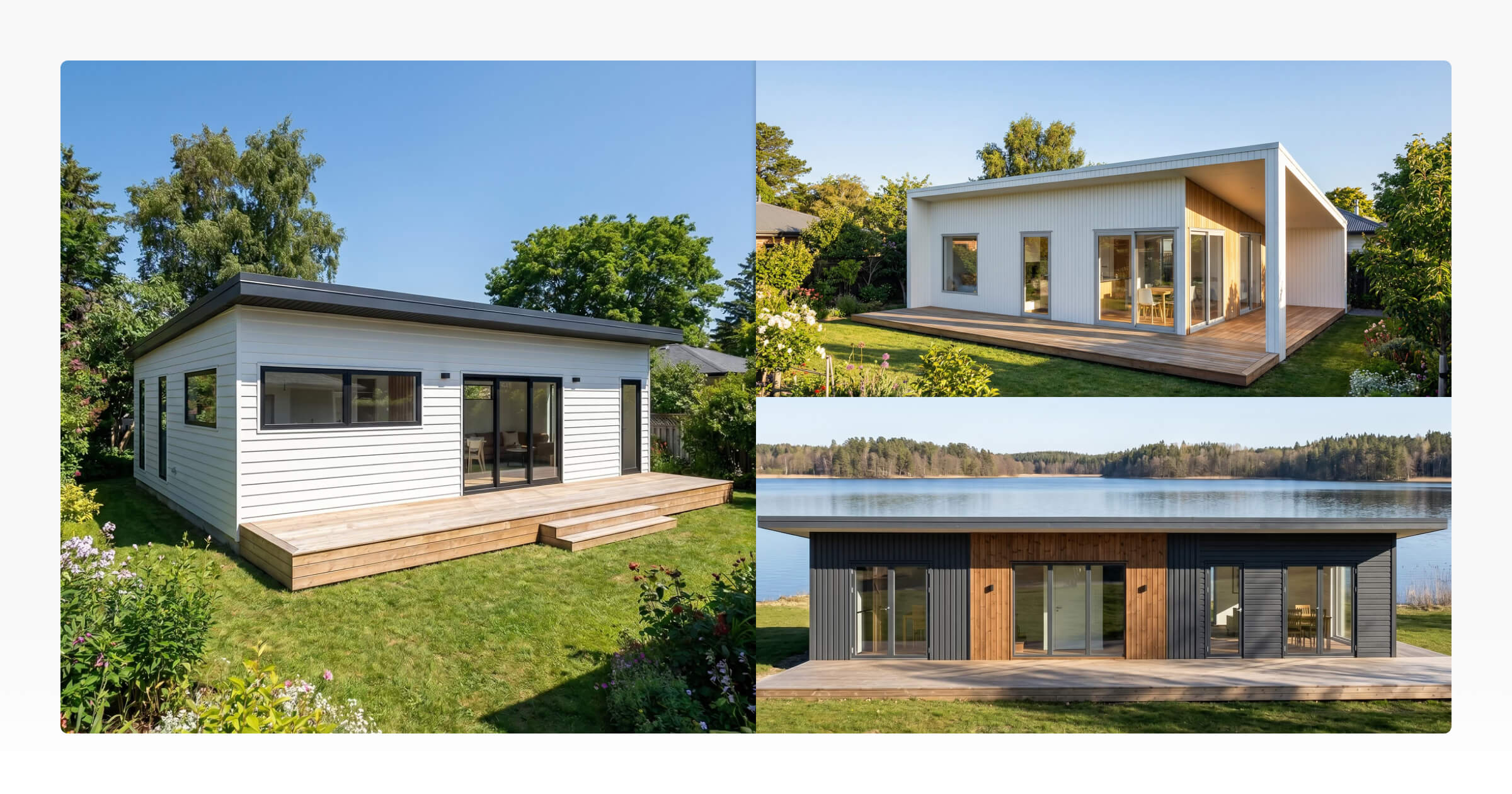
Your model-range is the product catalog buyers are actually browsing. Give every model its own page: a floor plan, key specs, photos or renders, and what makes that design suited to a particular buyer or site.
At a minimum, show these for every model:
Model or design name, so a buyer has something concrete to refer back to.
Dimensions: width, length, height, and square feet or square meters.
Bed and bathroom count.
Consistency matters more than volume here. A buyer comparing three models should be able to tell what is different between them at a glance, not dig through inconsistent descriptions to find out.
If you are still working from a single landing page and do not have individual model pages set up yet, group your models together in one section instead. List each one with a photo or render and these same basic details, even in a simple table or grid, rather than leaving your range out until the full site is built.
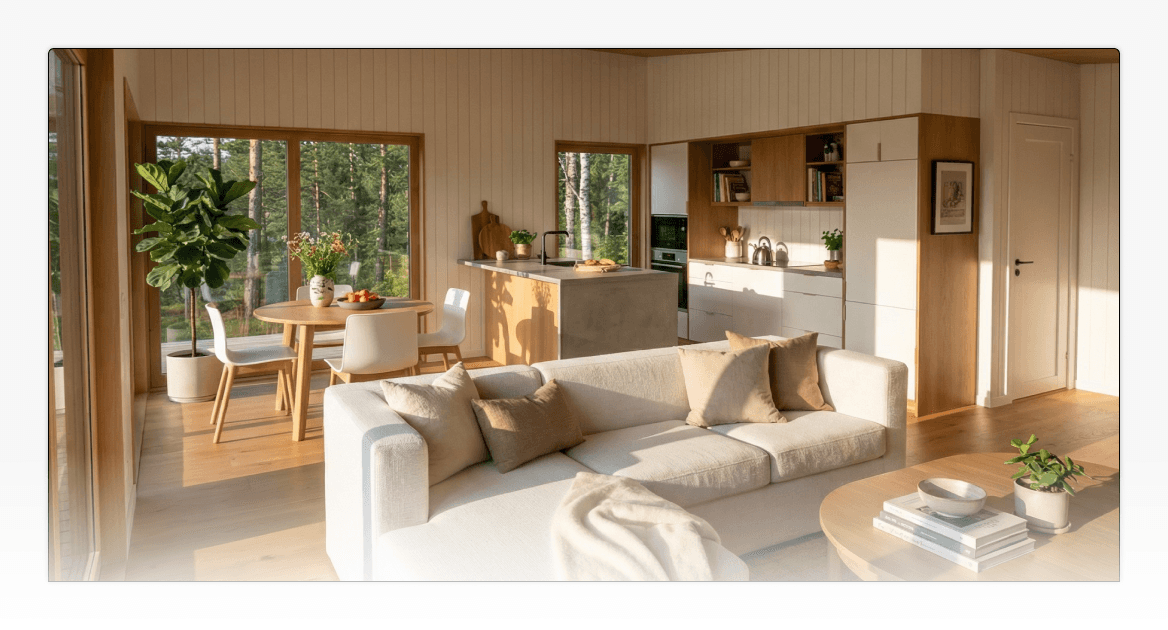
The harder question is what to show for a model you have not built yet. A new design in your range still needs a page, still needs to look finished, and still needs to give a buyer enough to start imagining it as their home. That is where visual tools do work a camera cannot.
Tell Your Customers Who You Are
A buyer who has never met you is deciding whether to trust you with one of the largest purchases of their life. People buy from people, so it is only natural that a buyer wants to learn more about who will actually be building their home.
Your About page is where that trust starts. Put a real founder or team on it, not a stock photo and a mission statement. Explain how long you have been building, what you specialize in, and why you do it.
Lay out your process in plain language: what happens from that first inquiry through design, build, and handover. A buyer who can see the path ahead is far more comfortable taking the first step onto it.
Use honest photography of your actual homes, and real reviews from real customers rather than a handful of quotes nobody can verify. The FTC treats testimonials on your own website as reviews you are responsible for, and fake or manufactured ones are prohibited. The same honesty applies to any claim you make about your homes or your business: advertising and marketing claims need to be truthful and backed up, not just persuasive.
Two more things belong on a professional builder site, quietly rather than loudly. Any imagery or wording you use to advertise homes should avoid language or images that indicate a preference or limitation tied to a protected class. And since you are a business open to the public, your site's content and communications should be accessible to visitors with disabilities.
Neither is a reason to rewrite your site around compliance. Both are worth checking once the rest of the page is in place.
Visual Tools to Help With an Engaging Customer Experience
A physical home takes months to build, but a buyer's decision often happens long before that framing goes up. Your website needs a way to sell the design itself, well before it exists on site.
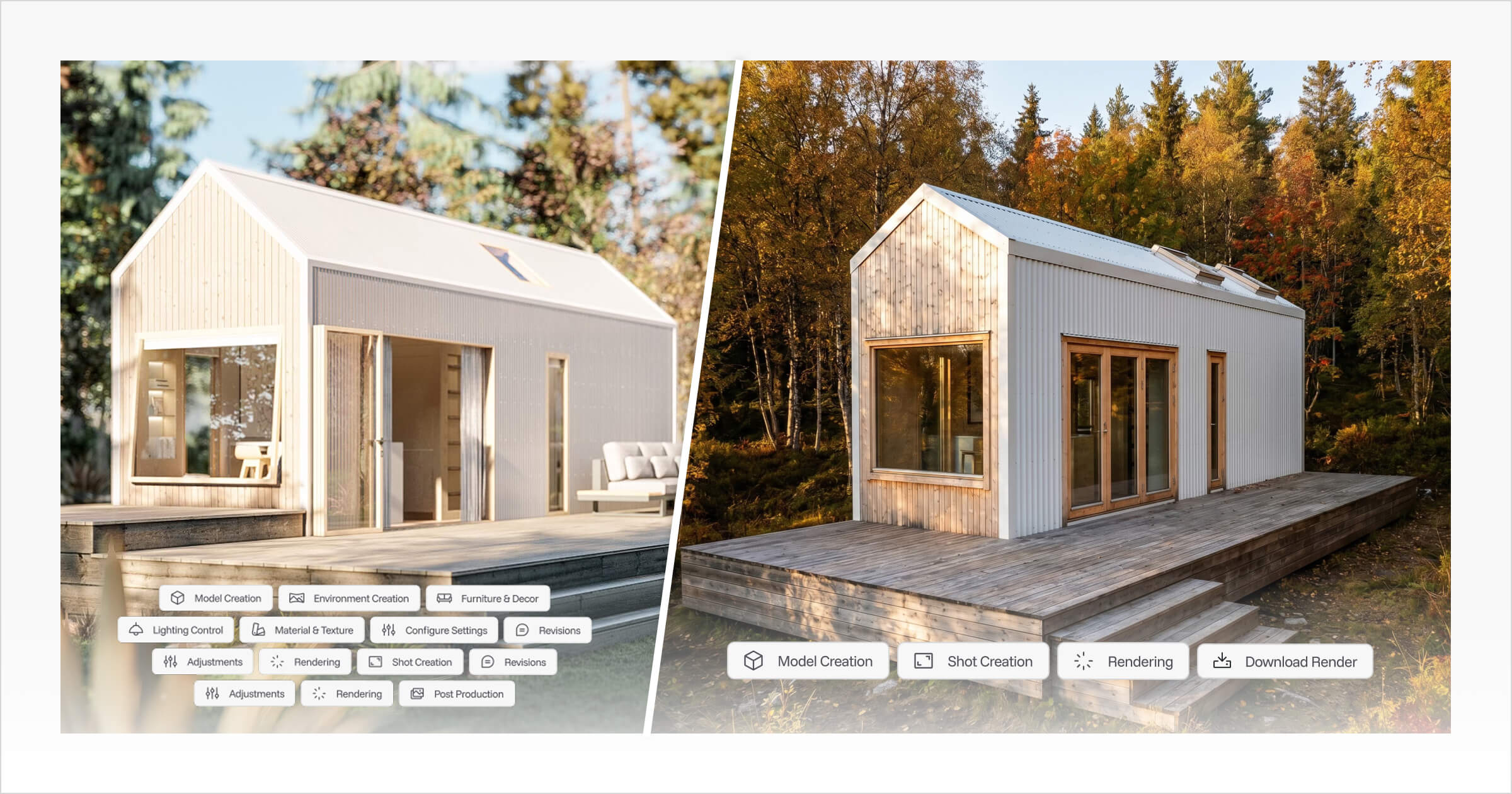
Start with 3D Designer. Use it to set up your model-range as reusable templates, so every design in your catalog exists as a real, explorable model instead of a static floor plan. Once a model is set up, you can export a sales plan showing the basic floorplan, ready to use directly on your website.
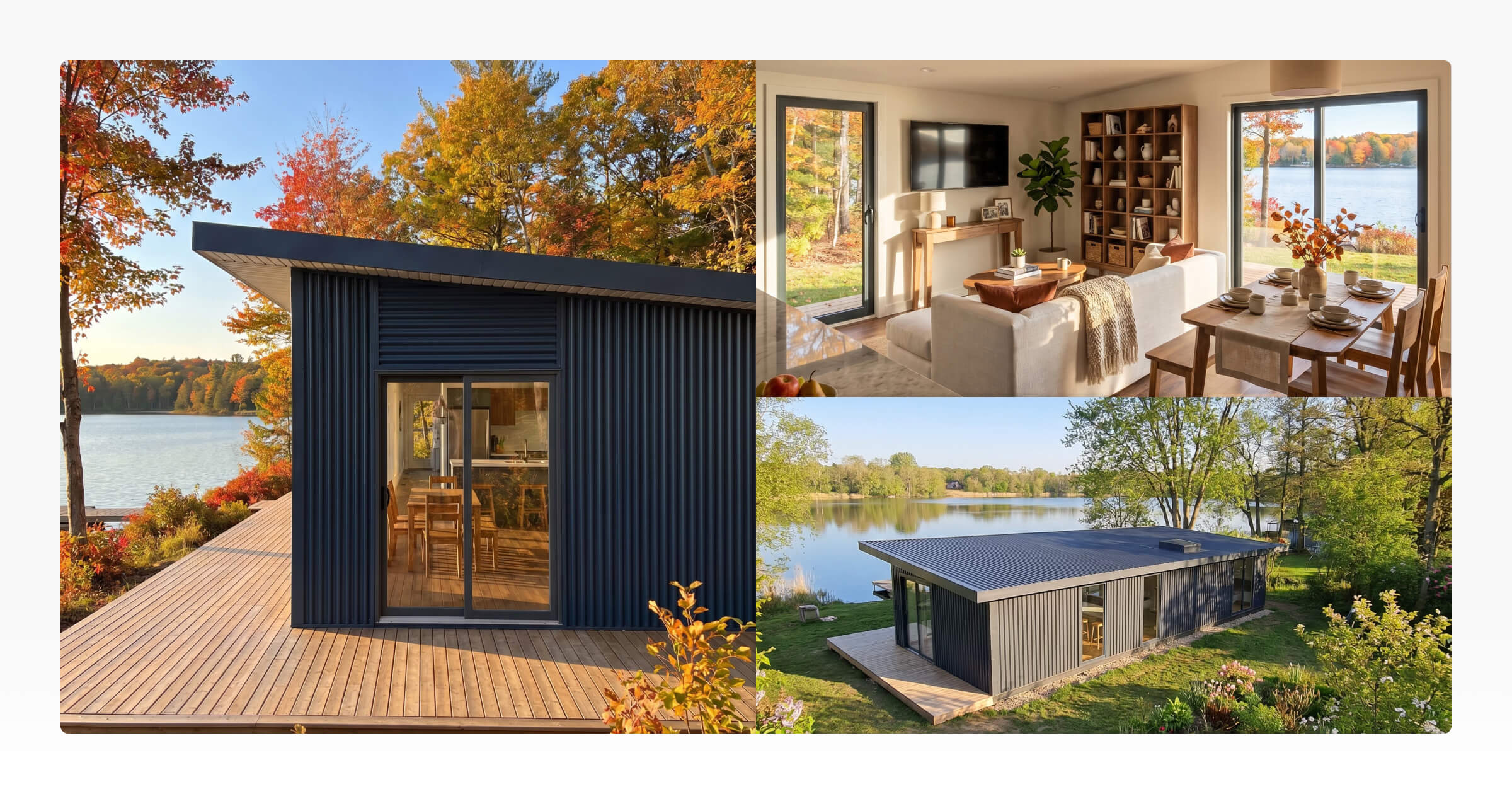
From there, AI Renders turns that same design into photorealistic exterior and interior imagery, so you have real-looking photos for a home that has not been physically built yet. A 3D Viewer walkthrough lets a buyer explore that individual model in 3D, right from your website.
If you want to show your entire model-range at once, the 3D Virtual Showroom is the tool for that. It lets a buyer browse the whole catalog in 3D before narrowing down to the one they want to ask about.
For buyers ready to go further, the 3D Configurator lets them explore your models, choose from the options you control, and see an indicative price before they submit an inquiry. It is the same self-serve exploration a buyer would do in person, available on your site at any hour. Explore the 3D Configurator to see how it fits alongside the models you already have.
Basic SEO So Prospects Can Find Your Site
You do not need to become an SEO specialist to get found. A handful of habits do most of the work.
Write useful content on every page instead of thin, generic copy. A buyer searching for a tiny home builder in their area, or for ADU floor plans, should land on a page that actually answers that search. A homepage that mentions everything and explains nothing will not do that job.
Give every page a clear topic. Your homepage covers your business as a whole. Each model gets its own page. Your service area gets its own mention, ideally on more than one page, since location is often exactly what a nearby buyer is searching for.
Individual model pages do double duty here. They give buyers the detail they need to compare designs. They also give search engines a specific, well-described page to match against a specific search, instead of asking one page to rank for everything.
A Practical Next-Step Checklist
Starting from scratch? Prioritize in this order:
☐ Focus the page on one audience, offer, or model range
☐ Communicate your main value proposition immediately
☐ Showcase relevant models with indicative pricing
☐ Explain the key features and benefits of your homes
☐ Keep one primary CTA throughout, e.g. “Book a Workshop Tour” or “Contact Us”
☐ Show how your process works and what happens next
☐ Include testimonials or recent projects to build trust
☐ Introduce who you are and why customers should choose you
☐ Answer the most common questions customers have
☐ Finish with a clear final CTA
Already have a site? Check for these gaps:
☐ Clear headline explaining what you build, where, and for whom
☐ Simple navigation to Models, How It Works, Financing, About & Contact
☐ Showcase your model range early, with pricing where possible
☐ Strong CTA such as Customize Your Home or Get Started
☐ Explain your build or buying process in simple steps
☐ Add testimonials, reviews, certifications or awards
☐ Introduce your company, story and experience
☐ Highlight what makes you different from other builders
☐ Use strong photos, renders and project imagery
☐ Repeat CTAs naturally throughout the page
☐ Finish with a clear final CTA and contact details
Either way, your model-range is the part most worth investing in as it grows. That is where a buyer spends their time, and where tools like AI Renders and the 3D Configurator earn their place on your site.



About the Author
Eujenne | Co-founder of Tiny Easy and has 8+ years of experience in the tiny house and small home industry.
She built her own tiny home on wheels with her partner and co-founder Laurin, and has designed several popular Tiny Easy concept homes, including the Scandi, Petite Maison, and 10x10 Tiny House on Wheels. At Tiny Easy, Eujenne works across UI/UX, product education, content marketing, and builder resources, helping small home businesses use 3D design and visual sales tools to improve their design, sales, and client communication workflows.