Compare
Compare Sheds3D and Tiny Easy for shed builders. Catalogue configuration and lead follow-up, or a connected path into custom design, AI renders and proposals.

If you're selling sheds online, a 3D configurator gives customers a much better way to explore your building range than scrolling through static photos and specification sheets.
They can choose a shed, experiment with colours and materials, select upgrades, and see what they're buying before contacting your team.
Both Sheds3D and Tiny Easy help shed builders create this experience. But while they share similar starting points, the way they support your sales process is quite different.
So, which platform makes more sense for your shed business? Let's compare how they work, particularly what happens after a customer submits their design.
Sheds3D vs Tiny Easy: At a Glance
Sheds3D is purpose-built for shed manufacturers and dealers. Its 3D configuration tool lets customers customise buildings from your existing catalogue, while its lead management and reporting features help your team follow up with prospective buyers.

Tiny Easy brings together four connected modules: 3D Configurator, 3D Designer, AI Renders and Proposal Builder. Its Configurator lets customers explore and customise your shed range online, while the other modules support further design development, visualisation and customer proposals.

Sheds3D | Tiny Easy | |
|---|---|---|
Primary focus | Shed configuration and lead management | Connected 3D configuration, design and sales workflow |
3D Configurator | Yes | Yes |
Lead management | Built-in CRM and campaign reporting | Configurator Inbox, Projects and CRM webhook integration |
Custom design | Catalogue-based options | 3D Designer for further customisation |
Customer visuals | 3D screenshots in quotes | Interactive 3D designs and AI Renders |
Proposals | Quotes with 3D screenshots | Branded, customisable proposals |
Both can support your online shed sales process. The more important question is how much work your team needs to do after the initial enquiry.
Comparing the 3D Shed Configuration Experience
Imagine a customer visiting your website looking for a 12 × 16 ft backyard workshop.
They like one of your standard shed models, but want to experiment with different siding colours, roofing materials, windows and doors before requesting a quote.
Rather than contacting your team for every variation, they can explore the available options themselves.
How Sheds3D Works
Sheds3D focuses on making your existing building catalogue interactive.
Customers can choose from your models and customise their shed within the options you've made available. They can see their selections in 3D, making it easier to visualise the finished building.
For shed businesses selling a relatively standardised catalogue, this is a practical way to let customers explore products without involving your sales team in every decision.
Sheds3D also places considerable emphasis on understanding what customers do inside the configurator.
Its reporting tools help track leads, customer activity and marketing campaign performance. Dealers can also use its built-in CRM to add notes and schedule follow-ups.
How Tiny Easy Works
Tiny Easy's 3D Configurator provides a similar customer-facing experience, while forming part of its connected design and sales platform.
You can showcase your shed range in interactive 3D, allowing customers to explore available layouts, materials, finishes and upgrades.
Where configured, customers can also see estimated pricing change as they make selections.
Before submitting their design, you can ask qualifying questions to better understand their requirements.
Once submitted, the enquiry appears in your Configurator Inbox, where your team can review the customer's contact information, selected options, pricing details and answers.
Tiny Easy also supports webhook integrations, allowing builders to send configurator enquiries to their preferred CRM. This means your team can continue managing leads in the system they already use.
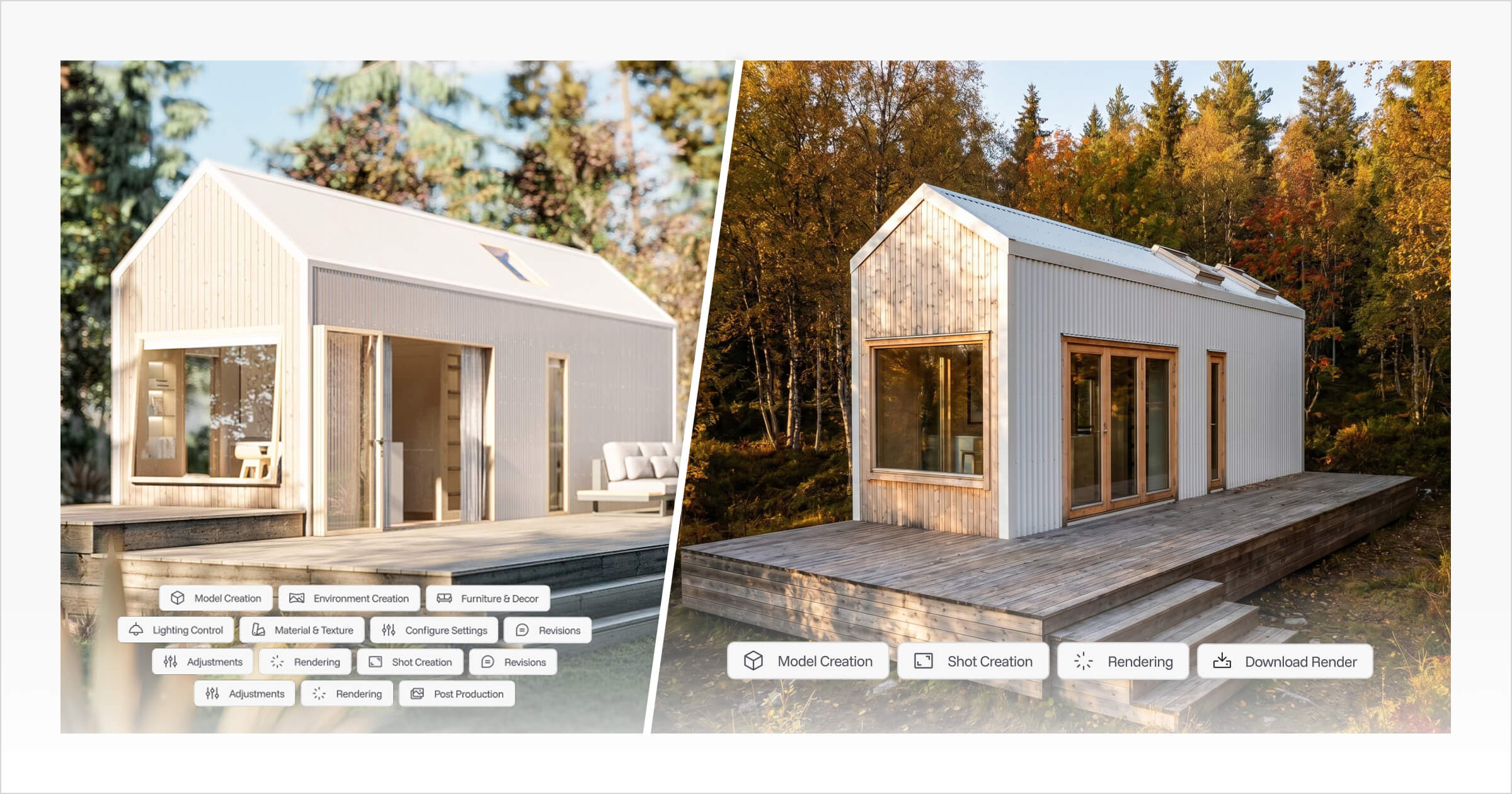
Unlike a standalone configuration tool, Tiny Easy's Configurator is also connected to its broader design and proposal workflow. Submitted configurations can be organised into Projects, used to generate realistic AI Renders and incorporated into customer proposals.
This gives your team a starting point for the sales conversation without having to ask customers to explain their requirements again.
What Happens After a Customer Submits Their Shed Design?
This is where the differences become more interesting.
For some shed businesses, a customer choosing a standard model and requesting a quote is nearly the entire sales process.
For others, the initial configuration is only the beginning.
Following Up With Sheds3D
Sheds3D provides tools for managing the enquiries generated through its configurator.
Your sales team can review customer designs, track leads, add CRM notes and schedule follow-up activities.
Dealers can also prepare quotes that include screenshots of the customer's configured shed.
This is particularly useful when you're selling a defined range of buildings, where most customers are selecting from existing models and available upgrades.
But what happens when a customer wants something outside those predefined options?
That may involve a separate design process, depending on the changes requested and how your business handles custom work.
Continuing the Sale With Tiny Easy
Let's return to our customer who configured a backyard workshop.
After reviewing their enquiry, you discover they want to change the internal layout, add a partition wall and explore different window placements.
Rather than treating their online configuration as the end of the design conversation, Tiny Easy gives you tools to continue developing the project.
1. Develop the design
Create a customer Project from the original Configurator Inquiry and use the 3D Designer to work on a more customised version of their building.
You can adjust layouts, openings, materials and interior elements to help the customer visualise their requirements.
2. Generate realistic visuals
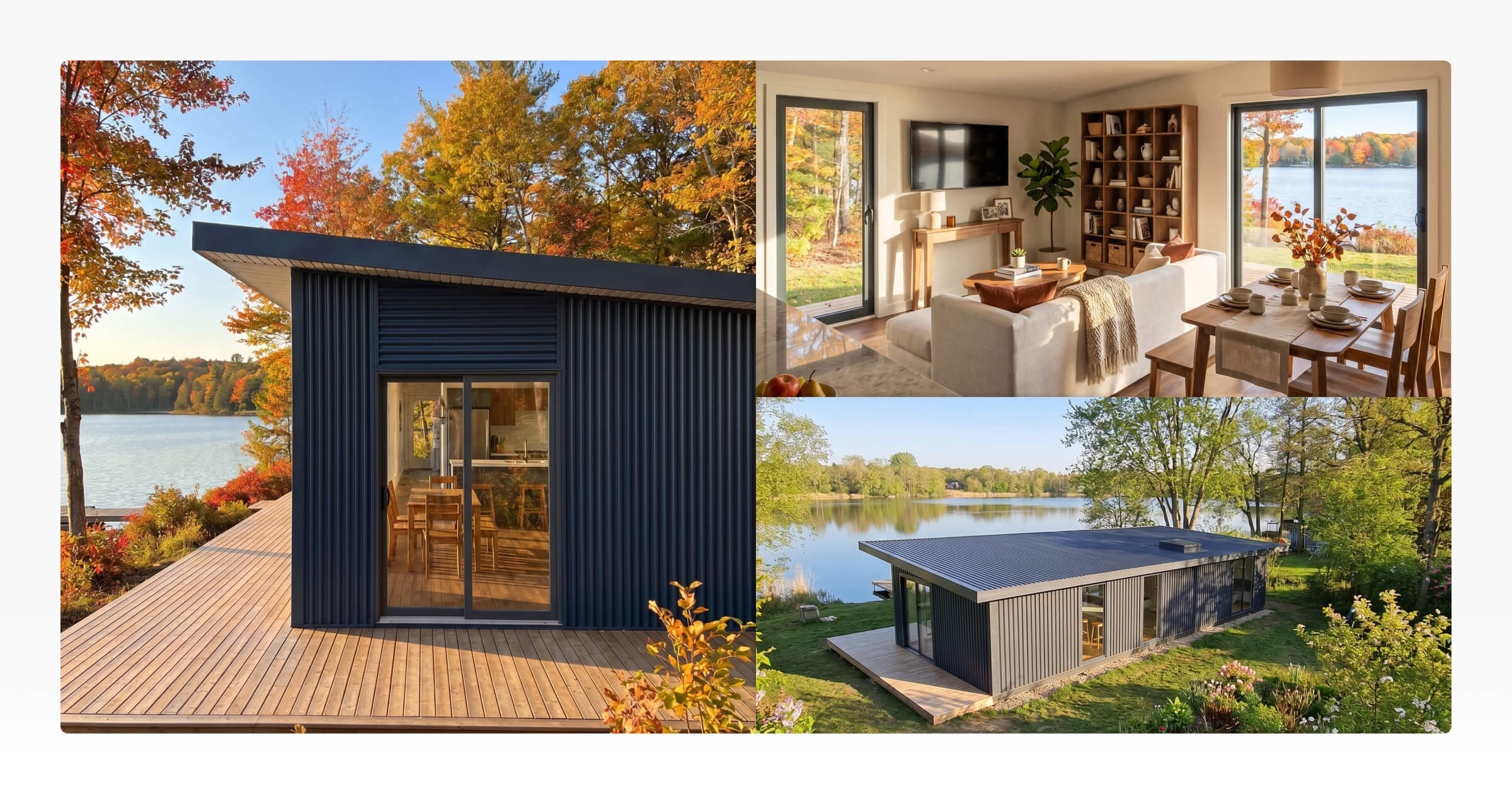
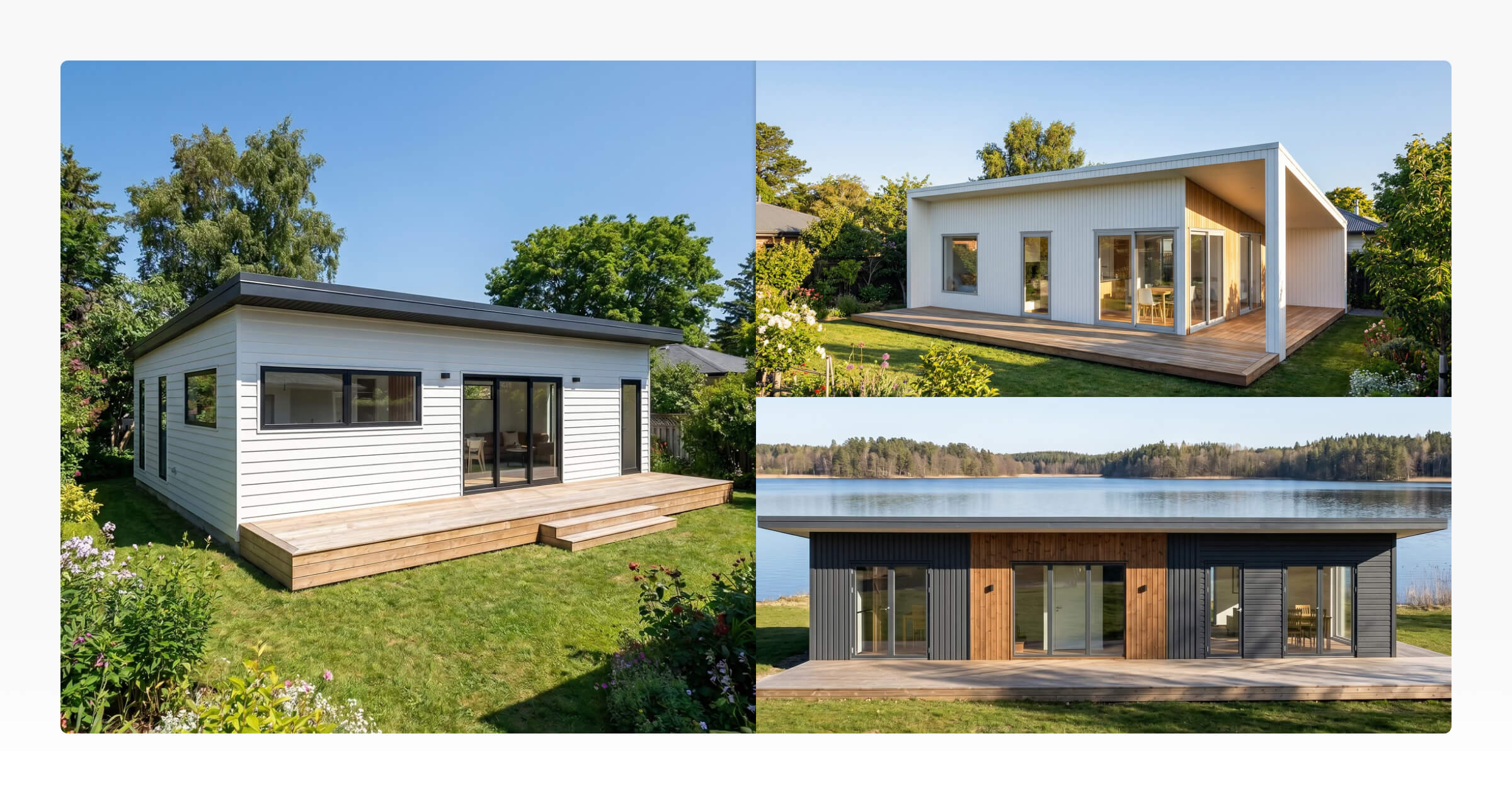
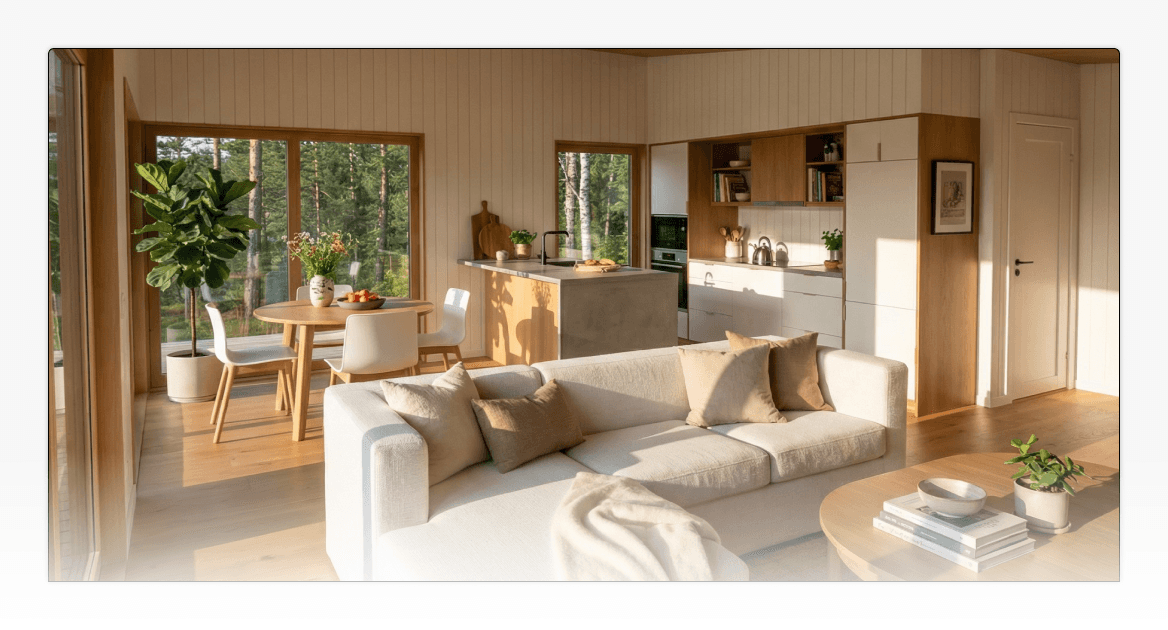
Once the design is ready, use Tiny Easy's AI Renders to create realistic images of the building.
You can also generate renders directly from submitted configurations, without first developing a separate custom design.
These visuals can help customers understand what their shed, garden studio or workshop might look like beyond the standard 3D configurator view.
3. Prepare a professional proposal
With the design and visuals prepared, Tiny Easy's Proposal Builder lets you assemble a customer-facing proposal.
You can bring together the design, renders, specifications, pricing information, project process and terms using reusable branded templates.
Rather than starting with a blank document for every enquiry, you can tailor your existing proposal structure to the customer's project.
The benefit is having the Configurator Inquiry, custom designs, AI Renders and proposals connected within the same Project, making it easier to manage information as the sale develops.
Which Platform Fits Your Shed Business?
Both platforms address a similar challenge: helping customers explore your building range online and giving your team better information to follow up.
The right choice depends on how your business sells.
Sheds3D is worth considering if:
You primarily sell sheds from a predefined catalogue.
You want an interactive 3D buying experience focused specifically on shed customers.
Dealer lead management, marketing attribution and quote follow-up are important parts of your process.
Tiny Easy is worth considering if:
You want a 3D Configurator that connects with your wider design and sales process.
You sell a mix of standard and customised sheds, workshops or backyard buildings.
Customer enquiries regularly require further design development.
You want to create realistic renders and detailed proposals without managing separate, disconnected processes.
You prefer connecting configurator enquiries to your existing CRM through webhooks.
It's also worth considering the type of buildings you plan to sell in the future.
A business selling standard storage sheds may have different requirements from one expanding into garden studios, backyard offices or more complex custom buildings.
Your configurator needs to support what you sell today, but the workflow around it should also make sense as your product range grows.
Final Thoughts: Choosing Between Sheds3D and Tiny Easy
A good 3D shed configurator should make it easier for customers to explore your building range and for your team to understand what they're looking for.
Sheds3D offers a shed-focused approach, combining catalogue configuration with lead management, reporting and quoting tools.
Tiny Easy connects its 3D Configurator with design customisation, AI Renders and professional proposals, while allowing builders to send enquiries to their existing CRM.
If your shed sales process regularly continues beyond the customer's first configuration, having these tools connected can make a meaningful difference to how your team works.
Explore Tiny Easy's 3D Configurator to see how you can showcase your shed range online and connect customer enquiries with your design and proposal workflow.



About the Author
Eujenne | Co-founder of Tiny Easy and has 8+ years of experience in the tiny house and small home industry.
She built her own tiny home on wheels with her partner and co-founder Laurin, and has designed several popular Tiny Easy concept homes, including the Scandi, Petite Maison, and 10x10 Tiny House on Wheels. At Tiny Easy, Eujenne works across UI/UX, product education, content marketing, and builder resources, helping small home businesses use 3D design and visual sales tools to improve their design, sales, and client communication workflows.