Educational
Where house renderings belong in sales and marketing: model pages, proposals, social and ads, and how one design produces the right render format for each channel.

Most builders already have a handful of house renderings on their website or saved in a sales folder. Fewer treat those same images as an asset that can carry through the whole customer journey, from a first website visit to a signed proposal.
What is a house rendering?
A house rendering is a photorealistic 2D image of a proposed building or design. It is typically created from a 3D model using digital rendering software or AI rendering tools. Builders use it to present how the house will look before construction.
The American Institute of Architects lists renderings and computer images among the illustrative materials used at the design stage, produced so the owner can review the design's spatial relationships, scale and form. (AIA, Defining the Architect's Basic Services)
A 3D house rendering is a photorealistic image created from a 3D building model, used to present that design to a client. (Autodesk, Rendering an Image) It can show an interior view or an exterior view of the same building. (SAA Dictionary of Archives Terminology, architectural rendering)
A house rendering is not a video, a virtual tour, or an interactive 3D model. Those formats move or let someone click around. A house rendering is a single still image you can place on a website, in a proposal, or in an ad.
Once that image exists, the useful question is where it belongs in sales and marketing.
Website and model pages
A visitor who opens a model page usually sees one featured-home image first. That image is doing the work of a display home for a house that may not have been built yet.
Professional photography isn’t always available for every model or finish. A build may still be in production, or the exact finish a buyer wants may never have been photographed.
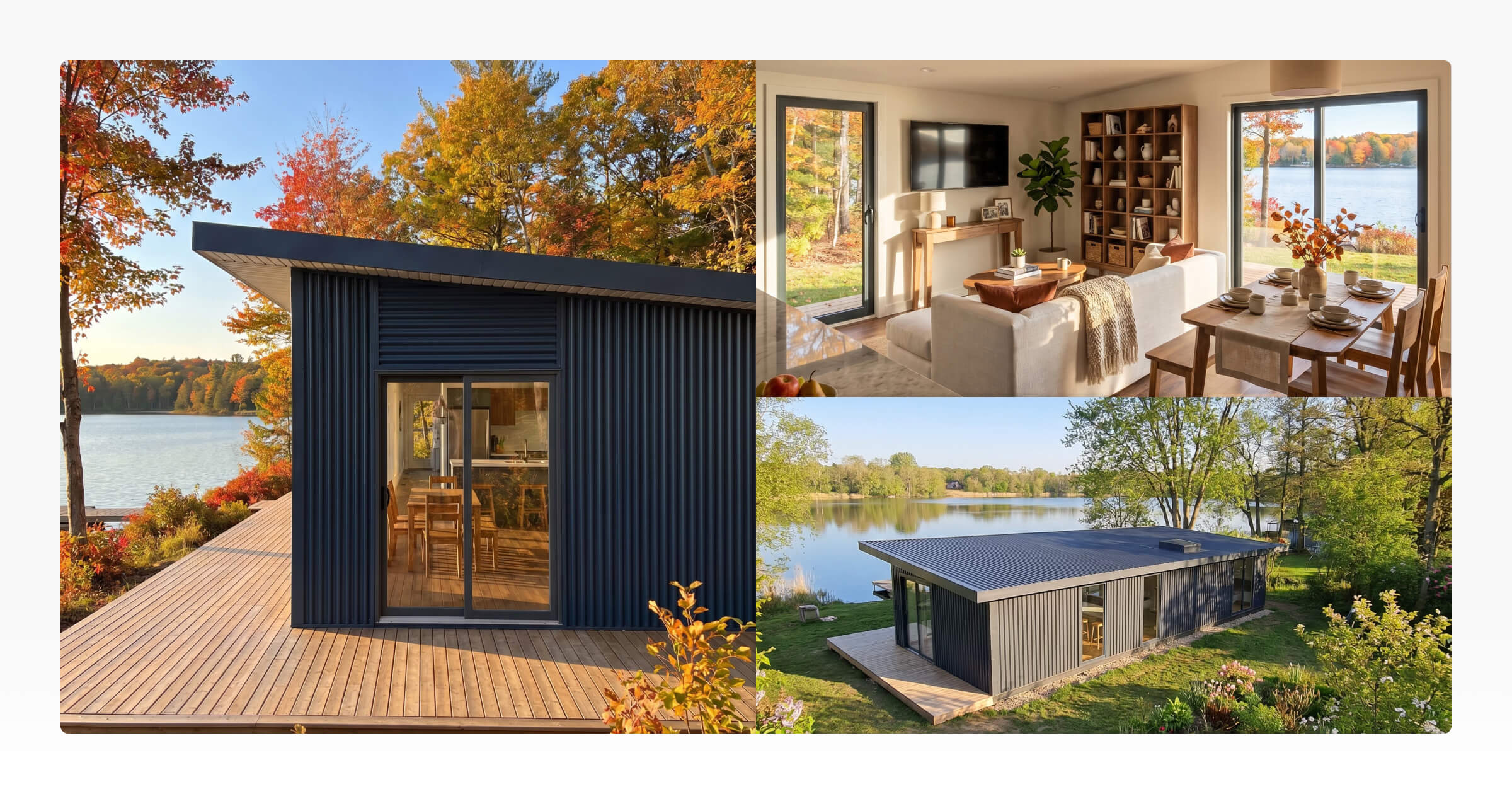
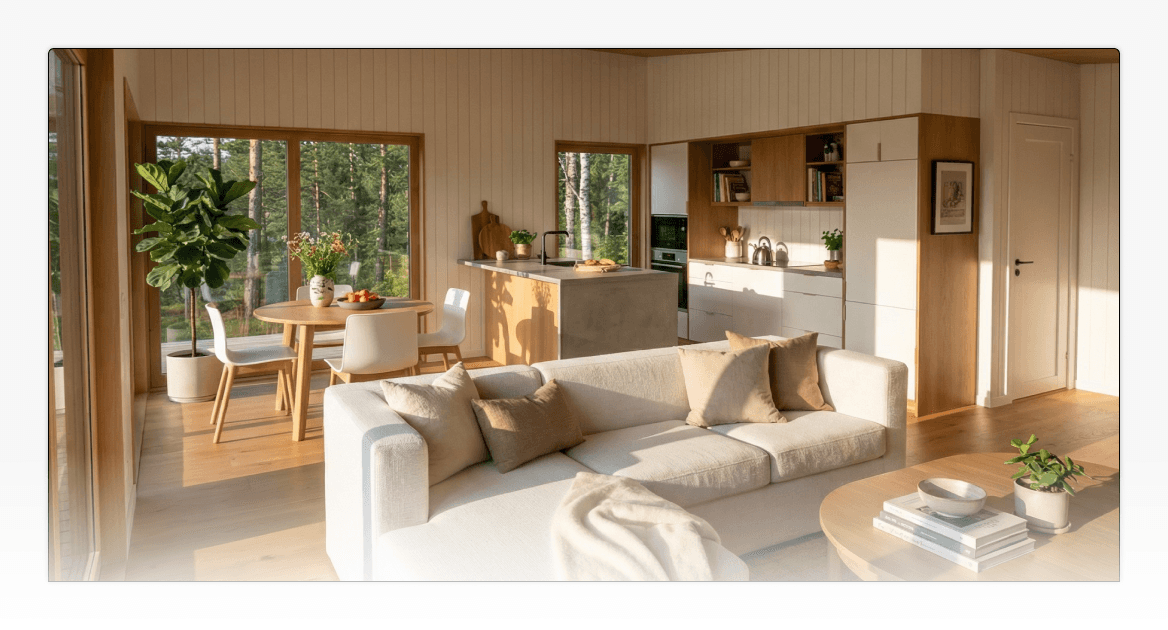
A house rendering stands in for those missing photos. It can be the hero exterior, a set of interiors, and a few material combinations, all from the same 3D model.
Start with a landscape exterior for the hero. Add interior views and finish variations on the model page. Use the same set when you list a new model before the first photographed build exists.
Configurator and custom design
After a session in a 3D Configurator, the customer has chosen a real layout, materials, and finishes. What they often leave with is a spec list, not a picture of the home they just chose.
That mismatch shows up in the next sales conversation. The customer remembers the choices. They do not remember a floor plan as clearly as an image of their version of the house.
A polished house rendering of that submitted configuration shows the actual choices, not a generic image of the base model. The same is true earlier, in a custom design conversation built in 3D Designer.
Render the configuration the customer selected. Use that image when you review layout, materials, and design decisions together, before anything is framed.
Proposals, presentations, and follow-ups
A customer who already chose a layout, materials, and finishes often receives a proposal that pairs pricing with generic model imagery. The document no longer looks like the home they just picked.
That break makes the proposal harder to review. The numbers are specific. The pictures are not.
A house rendering of their actual configuration reconnects the proposal to those decisions. The same image can sit in the sales presentation and in a follow-up while the customer is still thinking it over.
Put the customer's rendered design in the proposal next to the floor plans and specs. Keep dimensioned plans as a separate PDF plan export. A house rendering presents the design. It does not replace construction documents.
Social, ads, and new model launches
If the only photographs you have are of finished units, Instagram, ads, and a new-model launch wait on the next build. That is too late when the design is already for sale.
Buyers on those channels decide from the image in front of them. A feed post, an ad, or a lookbook page has to show a home they can picture, even when the first unit is not built.
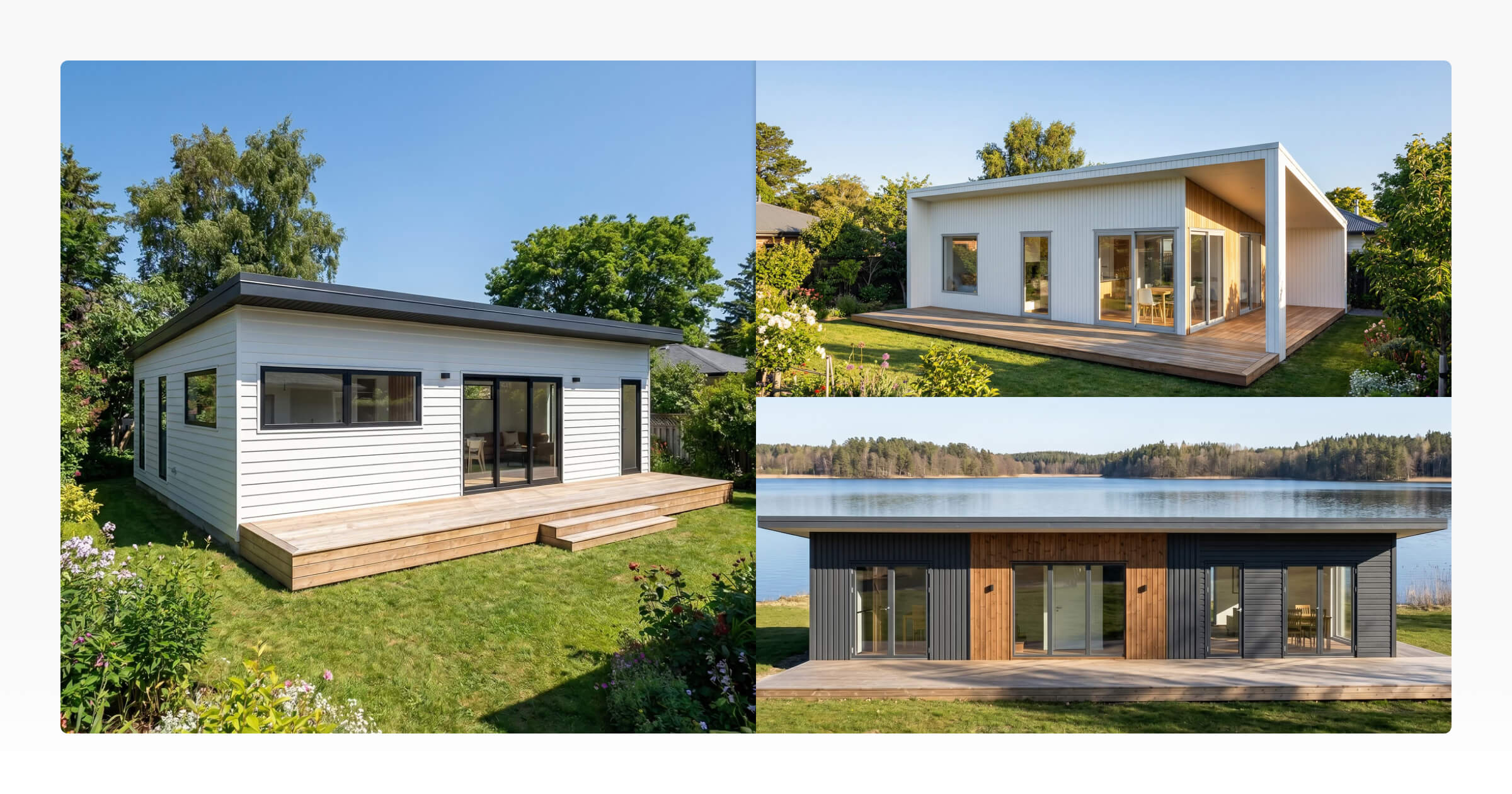
House renderings keep those channels moving. One design can yield an exterior, interiors, a seasonal variation, and a lifestyle crop. Those images then work as campaign creative and as brochure pages.
Plan the set before you post. Render exteriors, interiors, and a seasonal or lifestyle variation from the same design. Reuse those images in ads, on Pinterest, and in a brochure or new-model launch.
Getting more from one design
One 3D model can support all of the channels above because a house rendering is not locked to one output. The same design can be rendered from different camera angles, as an interior or an exterior, and in different environments or site settings. Season, time of day, and aspect ratio can change too.
That last setting is easy to skip. A wide landscape render built for a website hero does not fit an Instagram Story or a Pinterest pin. Treat aspect ratio as a choice for the channel, not a fixed fact about the image.
For a fuller map of landscape, portrait, and square formats, and where each works in marketing, see 3D Rendering for Marketing.
Which rendering to use where
Channel | Recommended render format | Purpose |
|---|---|---|
Website hero / model page | Landscape (16:9) exterior, plus 2 to 3 interiors | First impression of an unbuilt model |
Instagram feed | Portrait (4:5) or square (1:1) exterior, interior, or lifestyle shot | Reusable posting stream |
Facebook / Instagram ads | Square (1:1) or portrait (4:5), varied models and environments | Creative testing |
Portrait (9:16 or 4:5) interior or exterior detail | Evergreen visual content | |
Sales proposal | Landscape (5:4) of the customer's own configuration | Shows the chosen design, not a generic one |
Brochure / lookbook | Landscape (5:4) exteriors and interiors | Pre-build marketing material |
New model launch | Mix of landscape, portrait, and square | Market a design before the first build |
How Tiny Easy's AI Renders fits in
The remaining job is generating those house renderings from the design you already have, without treating each image as a separate production task.
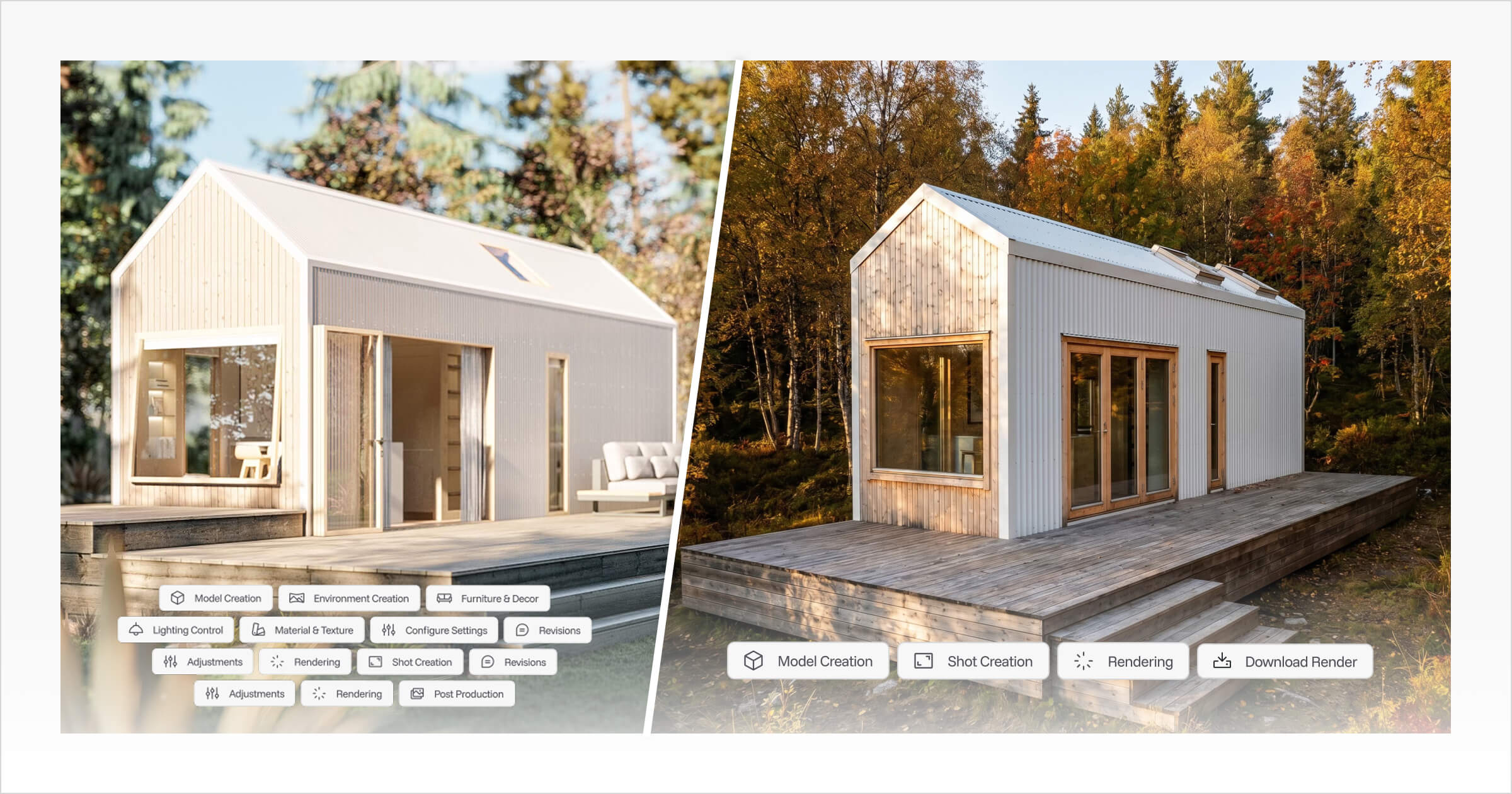
AI Renders works from a 3D Designer design or from a configuration a customer submits through the 3D Configurator. The workflow is the same either way: open the design, position the camera, choose render settings, generate, review, then download or use the result.
Settings include aspect ratio, season, environment, time of day, and weather. That means the same design can produce a website hero, an Instagram post, and a proposal cover without starting over each time. Renders can be generated as interior or exterior views. Finished images are stored in the Dashboard's AI Renders library for reuse across customer communication, proposals, presentations, websites and marketing.
Output resolution generally lands in the 2K to 4K range, depending on the workflow and settings used. It is a way to keep a design useful long after the first render is generated, not a replacement for the dimensioned plans or technical drawings a build still needs.
Explore AI Renders to see how a single design becomes the house renderings your website, proposals, and social channels actually need.



About the Author
Eujenne | Co-founder of Tiny Easy and has 8+ years of experience in the tiny house and small home industry.
She built her own tiny home on wheels with her partner and co-founder Laurin, and has designed several popular Tiny Easy concept homes, including the Scandi, Petite Maison, and 10x10 Tiny House on Wheels. At Tiny Easy, Eujenne works across UI/UX, product education, content marketing, and builder resources, helping small home businesses use 3D design and visual sales tools to improve their design, sales, and client communication workflows.